15
WARRANTY INFO
Do not power off the cabinet during the following:
• Firmware update
• Factory reset
• Data cleanup
• Read/write USB drive
This could prevent irreversible data loss and/or damage to your cabinet and USB drives.
The manufacturer warrants this product to be free and clear of defects in the materials and
workmanship, under normal residential use and conditions, for a period of thirty (30) days
from the original invoice date. Shipping and handling fees are to be paid for by the
customer. To make a warranty claim, please submit a service request here:
support@atgames.net.
Standard warranty coverage for the AtGames Legends Ultimate does not apply to and is
considered invalid due to misuse, improper maintenance, self-repair, tampering, or invasive
hardware modifications of any kind, and damages or dysfunction caused by shipping or
non-manufacturing related causes.
Note: Standard warranty services are valid with receipt from an authorized retailer.
Purchases through third-party sellers and resellers do not fall under the standard warranty
program. For warranty support, please contact the third-party seller or reseller where you
purchased the product.
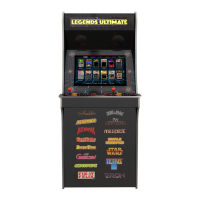
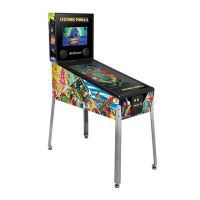
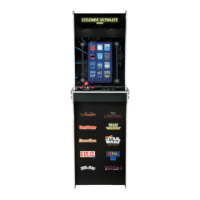
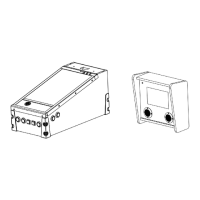
When to safely power off arcade




 To Next Page