Solid Green Light
When connected to the vehicle - charging is done.
When not connected to the vehicle - charger is ready for use.
Blinking Green Light
Charging in progress.
Blinking Amber Light
Charger software is being updated over-the-air (OTA). Leave
it connected to the vehicle until it turns green.
Static Red Light
Fault in the charger. Switch OFF the power for 10 seconds
and switch it ON again. If it fails to restart after 3 attempts,
get in touch with customer support.
No Light
No power flow. Switch OFF and then switch ON the power.
If the charger fails to restart after 3 attempts, contact
customer support.
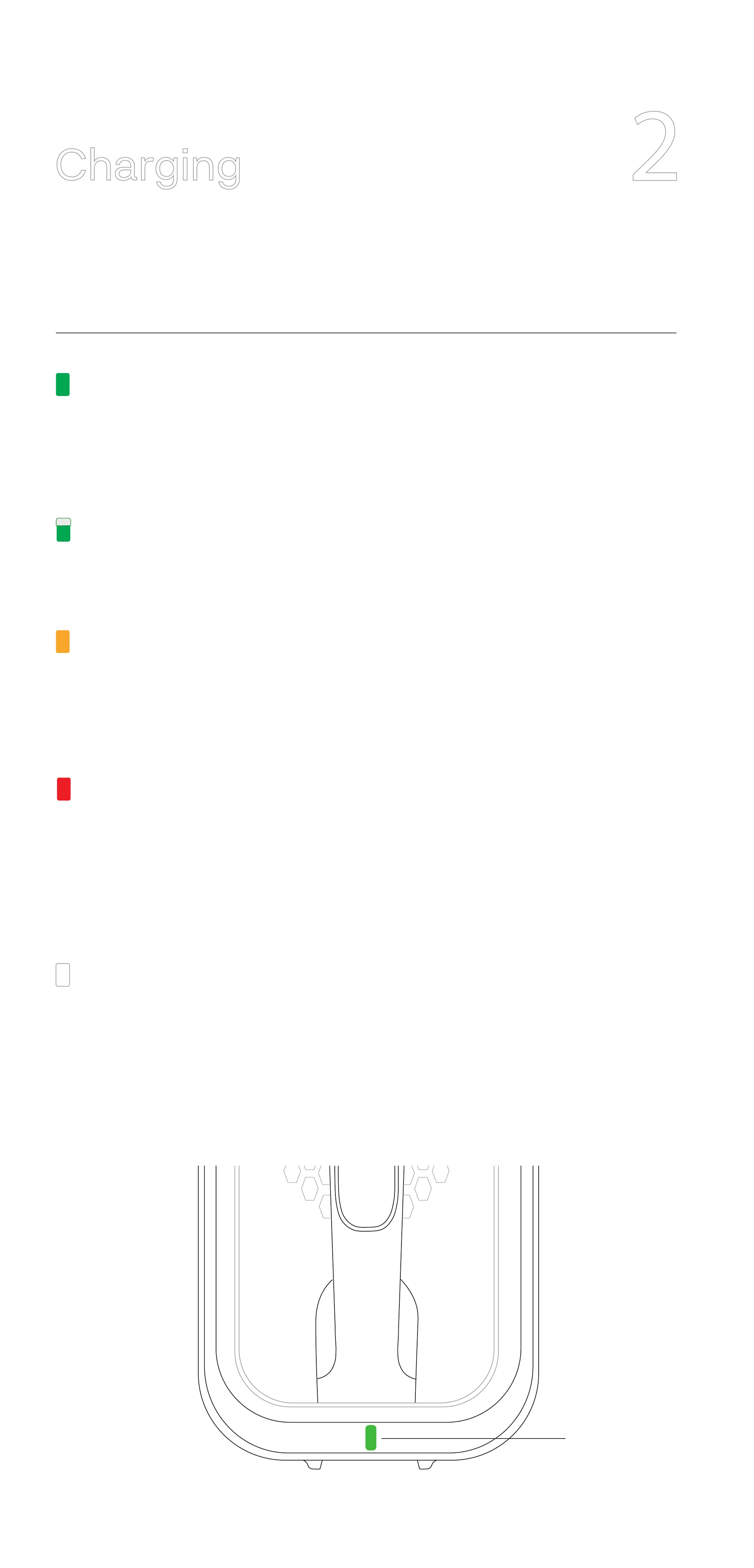
LED
What do the dierent colours of LED communicate?
2
Charging



 To Next Page