7ENGLISH
OPERATION
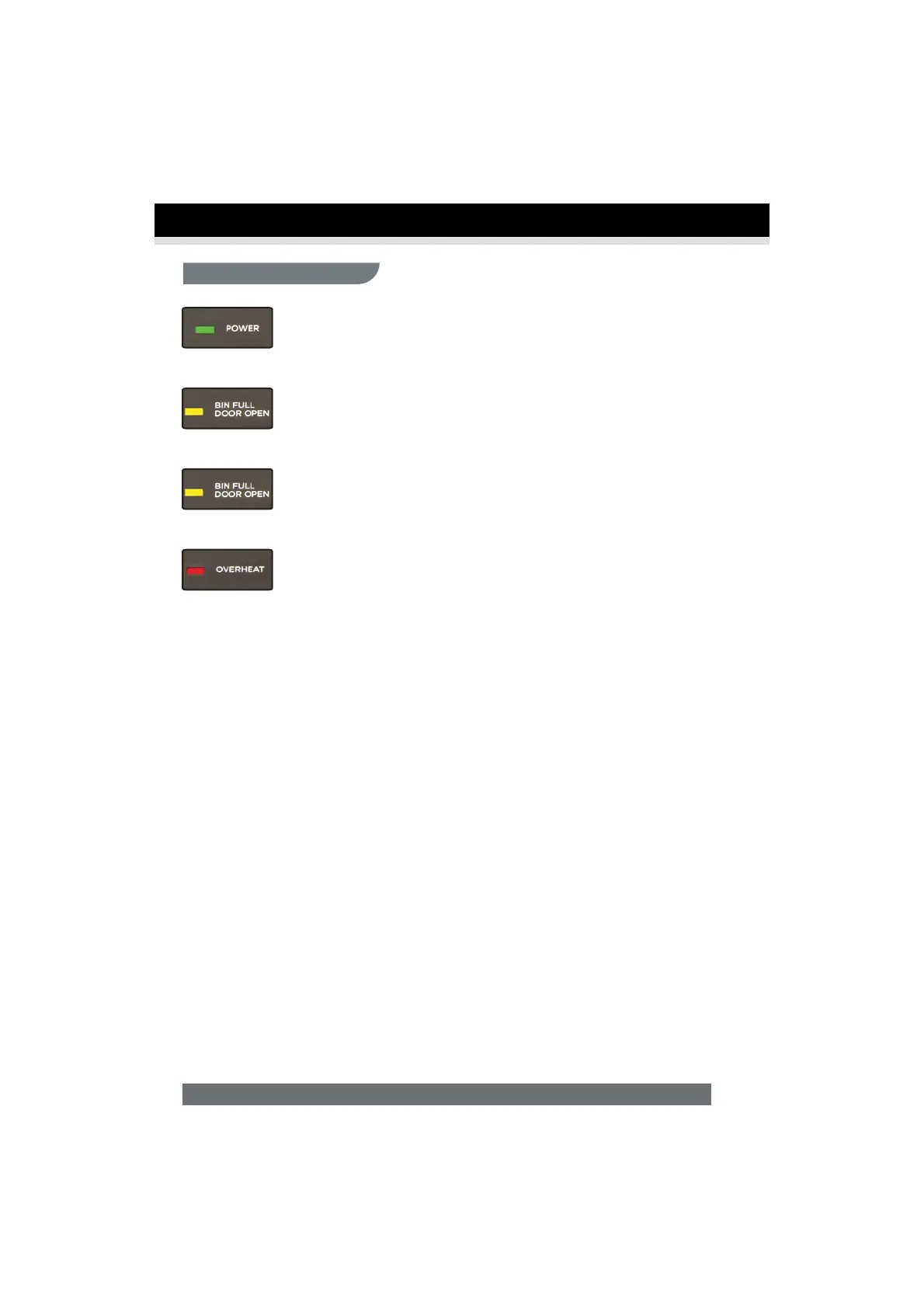
Power On:
Green light – Power light will activate when switched to Auto mode.
Door Open:
Yellow light – Door is open and should be closed. Shredder will not operate
until light goes out.
Bin Full:
Yellow light – Shredder bin is full and should be emptied. Shredder will not
operate until bin is emptied.
Overheat:
Red light – Shredder has shred running time and overheating. If this happens,
switch the shredder off for 50 minutes or longer before resuming normal operation.
LED Status Indicators:


 To Next Page