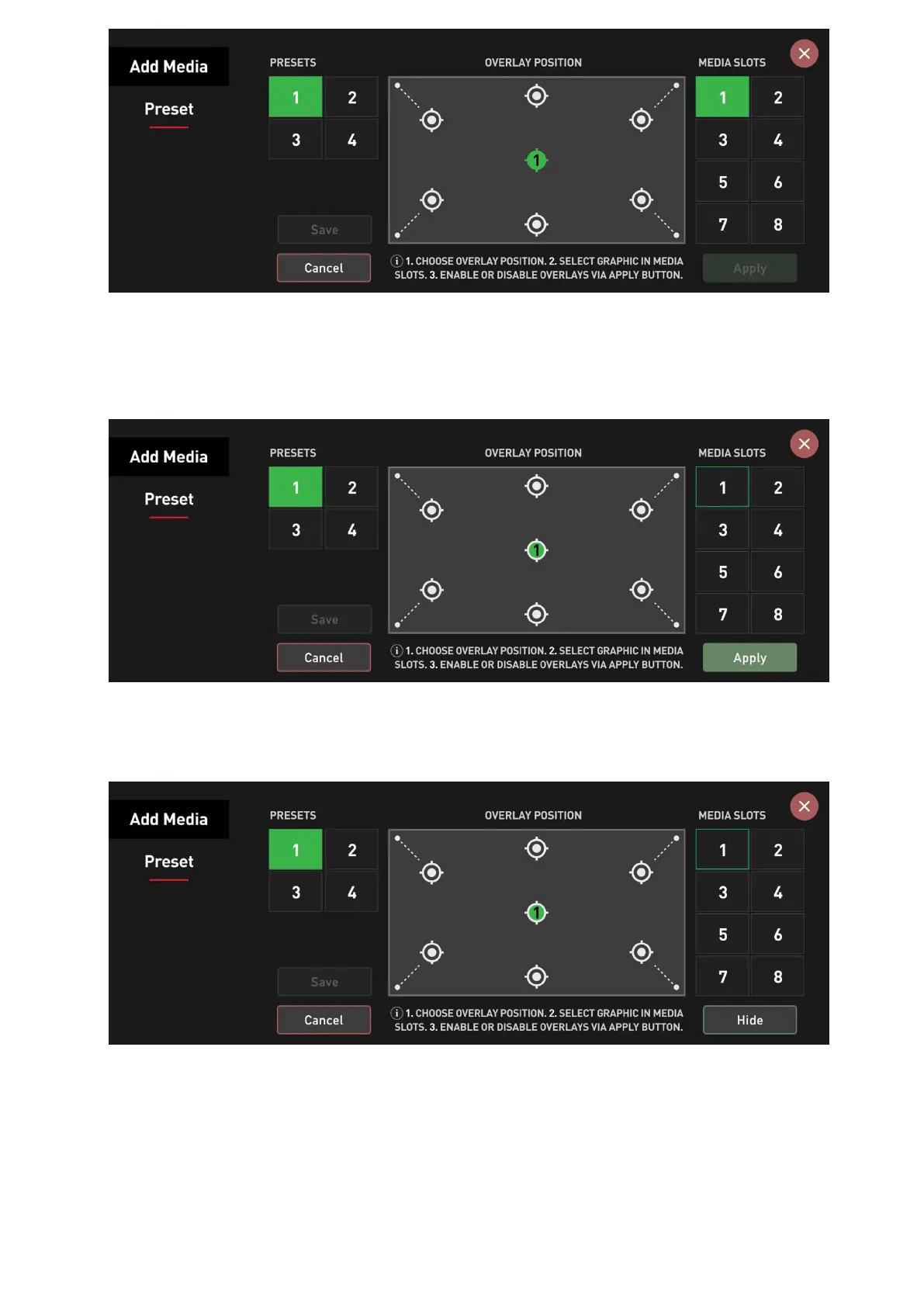
Repeat this step for all the other overlay graphics you want to add to this particular preset.
Once all the position assignments are completed, you may apply the preset to your image by
pressing the Apply button in the bottom right corner of this menu.
Once the Apply button is pressed, it changes its state to Hide, so if you press it again, it will
hide all overlays currently applied to the image.
To configure another preset, select it from the Presets section on the left and repeat these
steps.
Note: By selecting a preset and pressing Reset, you can remove all position/graphics
assignments and start fresh.



 To Next Page