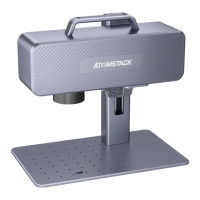
Part 6:Introduction to the assembly method of
the desktop working mode
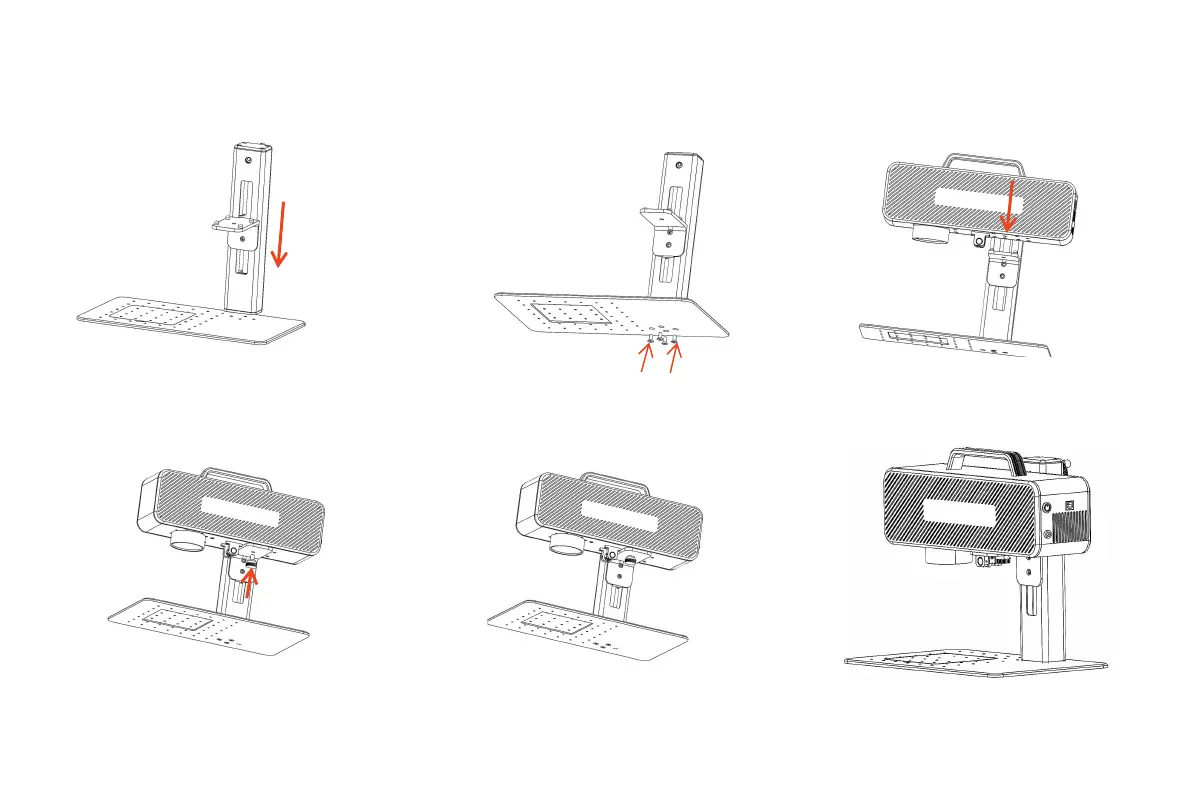
step 1:Prepare the support arm
and align the mounting holes on
the base
step 2:Install 4 screws step 3:Install the Laser
Assembly
step 4:Install the laser
assembly locking screw
step 5:Tighten the screws of the
laser assembly
step 6:Assembly is complete


 To Next Page