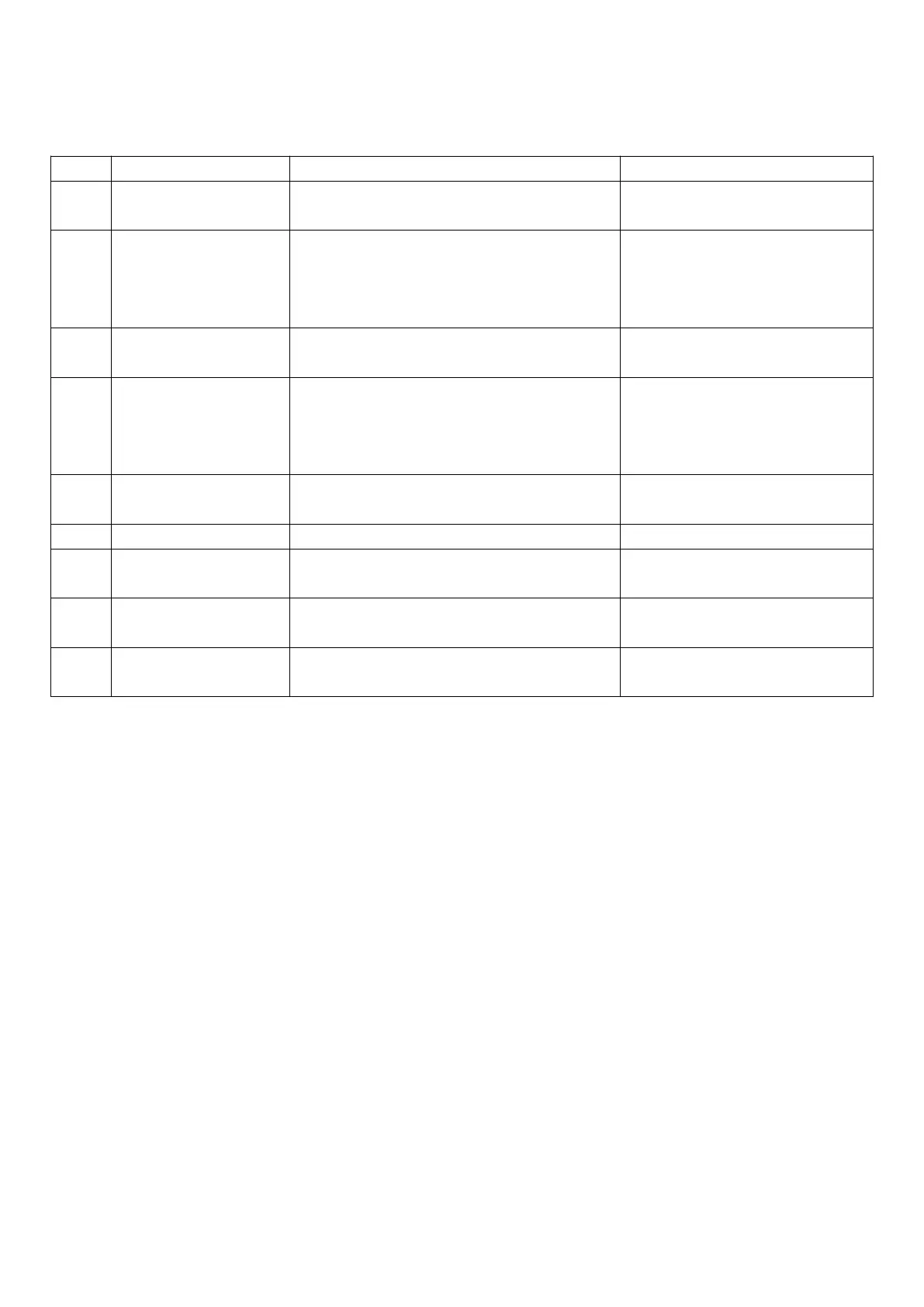
6.4 How to access and set parameters
type “F” (FREQUENT, not protected by password), type “C” (CONFIGURATION, password protected)
After 3 seconds the display will show the 1st
parameter, “0”(Password)
Access to type ”F” parameters is
direct without password
The value on the display will increase or decrease.
Enter the password ”22” to access the
type “C” parameters or whatever
different value for the type “F”
parameters.
The display will show “St” (Setpoint)
This is the current value of the
Setpoint
If the password set is 22 the display will scroll the
list of type “C” parameters(CONFIGURATION)
otherwise the list of type ”F”
parameters(FREQUENT)
The display will show the parameter name
This is the current value of the
parameter
The value on the display will increase or decrease
The display will show the parameter name again
IMPORTANT: parameters not yet
saved
Repeat steps 2,3,4&5 for
all parameters required
The controller will display the temperature read by
the probes again
IMPORTANT: only now have all the
parameters been updated
For both types of access (type “F” and type “C”) there is a timeout (no button on the keypad pressed for
1 min), the procedure is ended without saving the parameter.


 To Next Page