Trouble shooting
The burner has stopped.
Check which alarm is shown on the display.
If the display remains black and without any text, check the overheat protector of the boiler. If
this is not a cause, it is probably the burners overheat protector that tripped. For resetting it,
switch off the power supply to the burner, remove its hood and press the small plate between
overheat protector connections. The overheat protestor is located straight above the fan, near
the drop tube. After resetting, remount the hood and switch the power back on. The burners
overheat protector trips at 90°C.
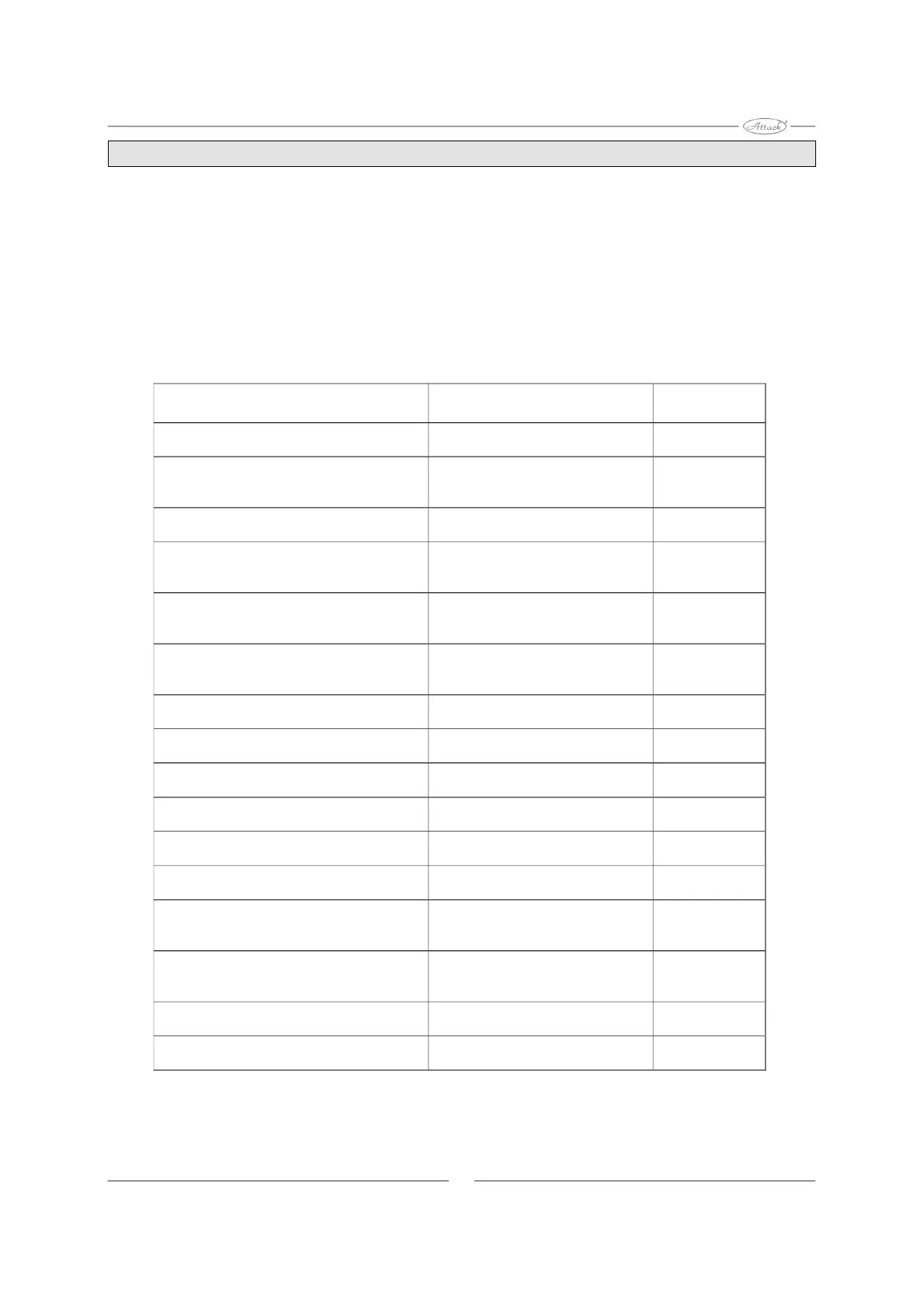
Display alarm text Explanation Fault code in
Logging
FAULT: IGNITION FAILED
10
FAULT: FIRE LOST DURING
COMBUSTION
Went out while heating,
restart failed
11
FAULT: FIRE SENSOR
Faulty photocell,
abnormal light
12
FAULT: CIRCUIT BOARD
OVERHEATED
Temperature under the hood
too high
13
FAULT: TEMPERATURE SENSOR
”LOW”
Faulty boiler temp. sensor
for the built-in operating thermostat
14
FAULT: TEMPERATURE SENSOR
”HIGH”
Faulty boiler temp. sensor
for the built-in operating thermostat
15
FAULT: OPTO-SWITCH
Faulty circuit board 16
FAULT: FAN RUNNING
Fan is running when it should not 18
FAULT: FAN STOP
19
FAULT: FAN SLOW
Fan too slow 20
FAULT: IGNITION 1
First ignition attempt failed
21
FAULT: AUGER
The pellet auger/feeder is
not plugged into burner
22
FAULT: BURN-DOWN FAILED
The photocell keeps seeing light
after 15 minutes in
burning-down mode
23
FAULT: LIGHT LOST DURING
COMBUSTION
The photocell lost flame,
restart failed
24
FAULT: SCRAPER NOT OPERATING
Fault in scarper circuit board
or motor
25
FAULT: SCRAPER JAMMED
Grate moving too slow. 26
16
Fan is not running when it should


 To Next Page
 Loading...