- 19 -
Fig 22c. Red arrow indicates the red cable has been reinstalled back to the piggyback
connector. Green arrows show the steam control cables. Blue arrow indicates the power
cable.
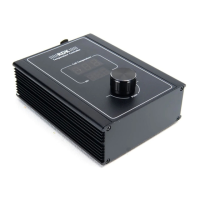
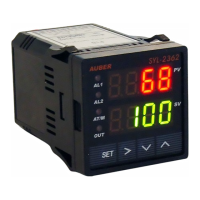
H. Connecting the controller.
1) Remove all 8 screws on the controller box. Save them in a safe place.
2) Feed the 2 controller power cables (black and brown), 2 SSR control cable (red and
white), 2 steam control cables(white and blue), 1 brew pump control cable (green) and 2
RTD sensor cables (clear), to the outside through the vent opening in the back panel of
the machine (Fig 23).
Fig 23. Feed the cables from the first slot on the right side (back view).
3) Feed all cables through the rubber grommet on the back panel of the controller box. Make
sure the direction of the back panel is correct. The surface with chamfered screw whole is

 To Next Page
 Loading...