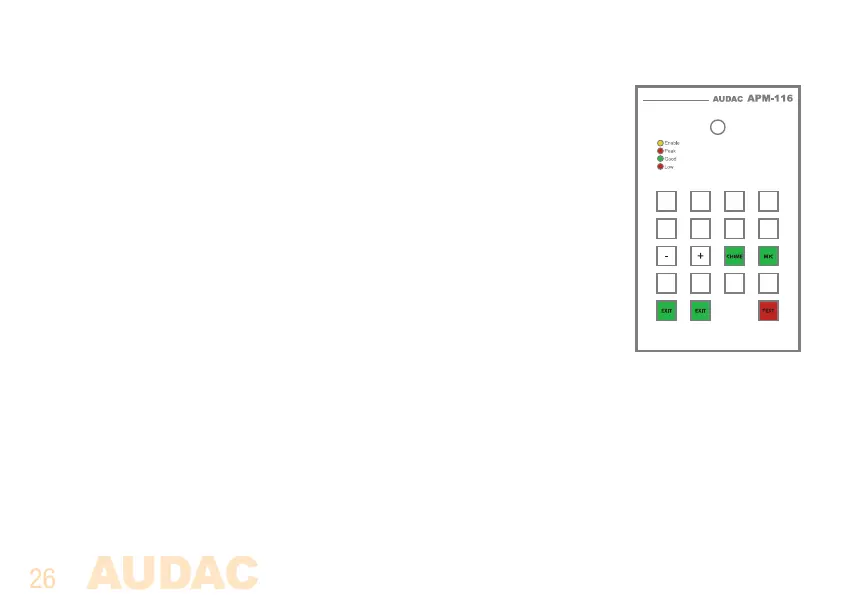
Service mode
In service mode, both the microphone and chime volume for the APM can get
tested and adjusted.
The service mode can be entered by pressing and holding the ‘Push to talk’
button when powering up the system. When entered service mode, the ‘Push
to talk’ button continuously illuminates in orange colour while the select all,
clear all, chime and mic selection button will illuminates in green as indicated
in the displayed image.
Following button functions are available in service mode:
Volume Up: Pressing this button, the volume (mic of chime) will be increased in steps of 3 dB
Volume Down: Pressing this button, the volume (mic of chime) will be decreased in steps of 3dB
Select mic.: Pressing this button, microphone volume adjustment mode will be entered
Select chime: Pressing this button, chime volume adjustment mode will be entered



 To Next Page