Webinterface
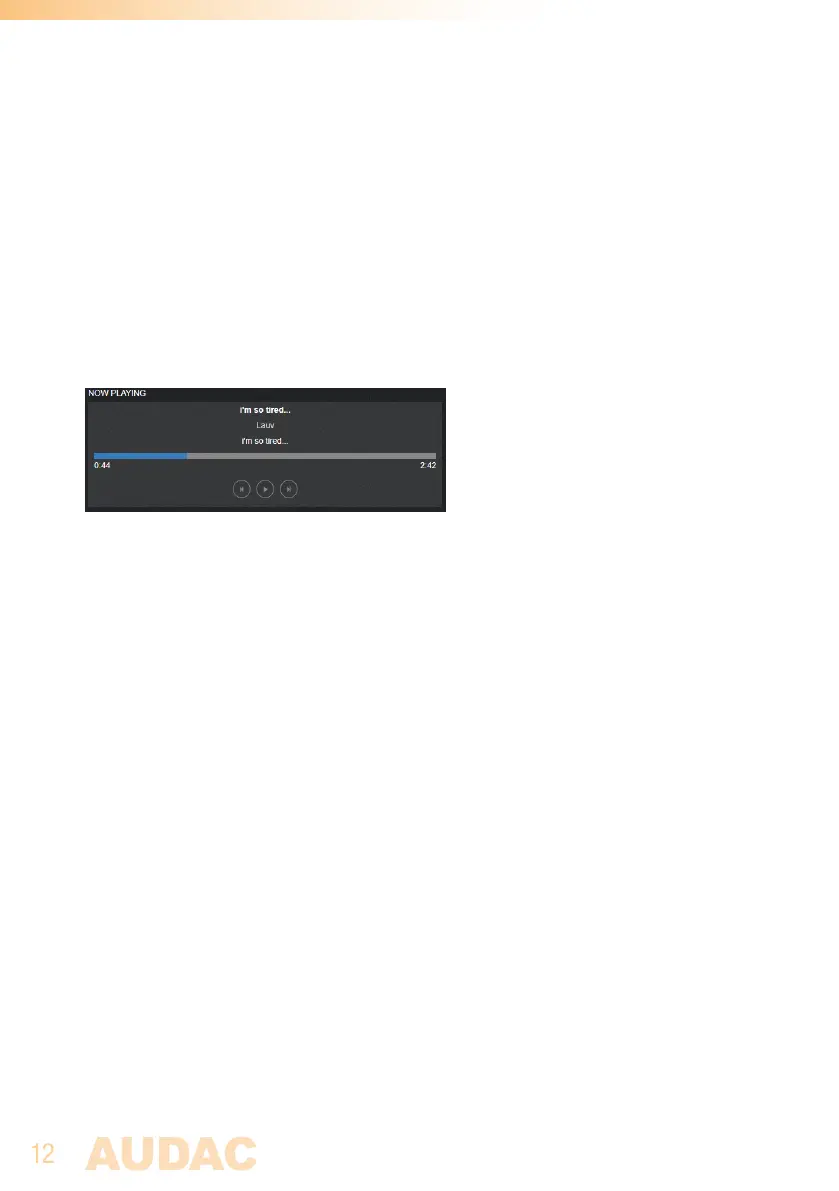
The NMP40’s webinterface shows the currently playing track and artist and various
functionalities, including the play/pauze, next and previous controls. The NMP40 can
also be renamed.
Module screen
On this screen the currently playing track and artist is shown along with the next,
previous, play and pauze controls.
Settings screen
Click “Settings” on the bottom left corner of the webinterface to enter the settings screen.
Here the NMP40 can be renamed. Click “Edit” and enter the new name. Click “Save” to
save the new name to the device.



 To Next Page