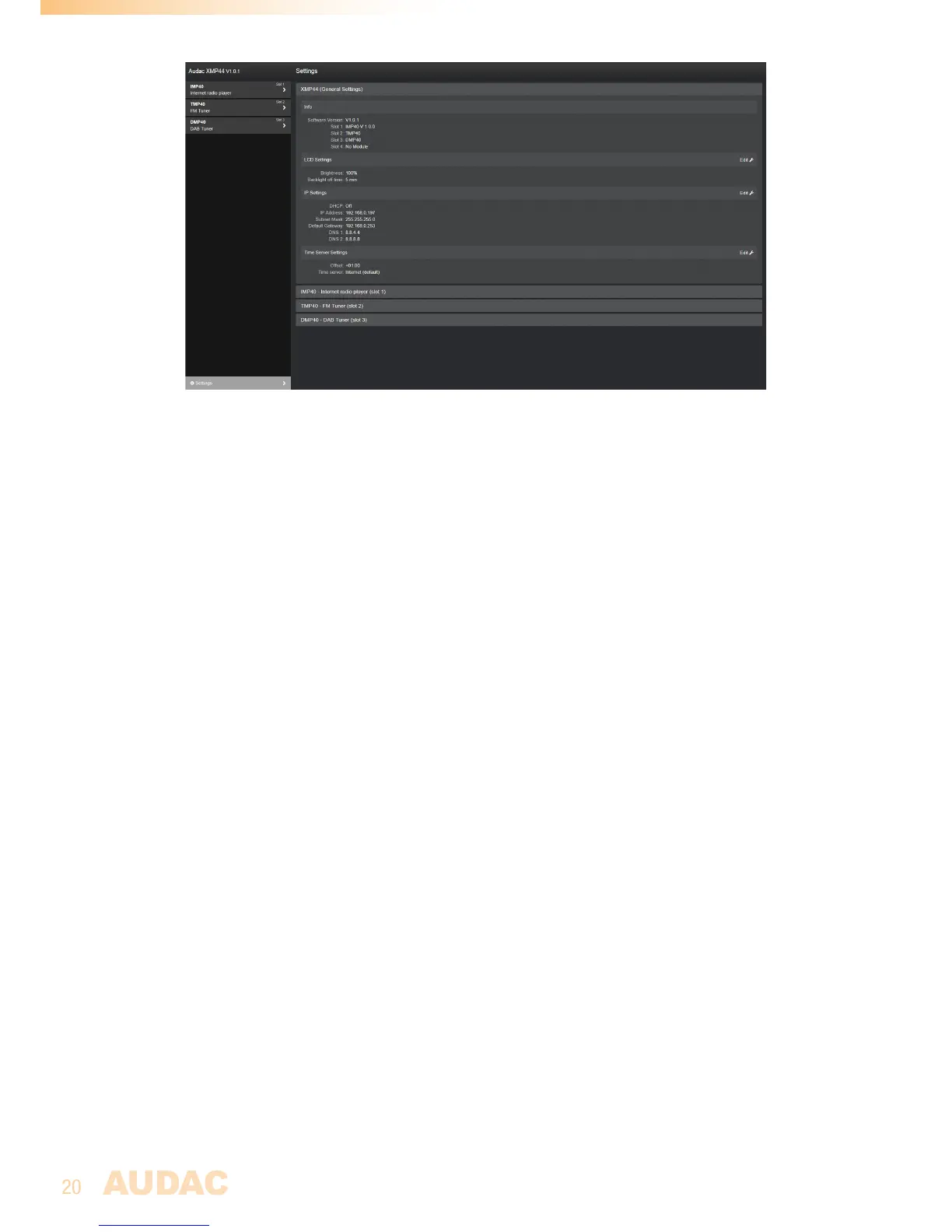
General settings:
The general settings menu gives an overview of the currently running software version and
installed modules with their firmware versions. All ‘General’ settings configurable through
the front panel interface can also be adjusted here.
Module settings:
The configurable module settings are depending on the model / functionalities of the installed
modules. For a full overview of the available settings for the corresponding module, refer to
the instruction manual of the installed module.


 To Next Page