A-01 Headphone + BT-01 TV Transmitter
audeara.com
7
PAIRING THE BT01
TV TRANSCEIVER
1. Turn on the headphones using the power switch on the left ear cup.
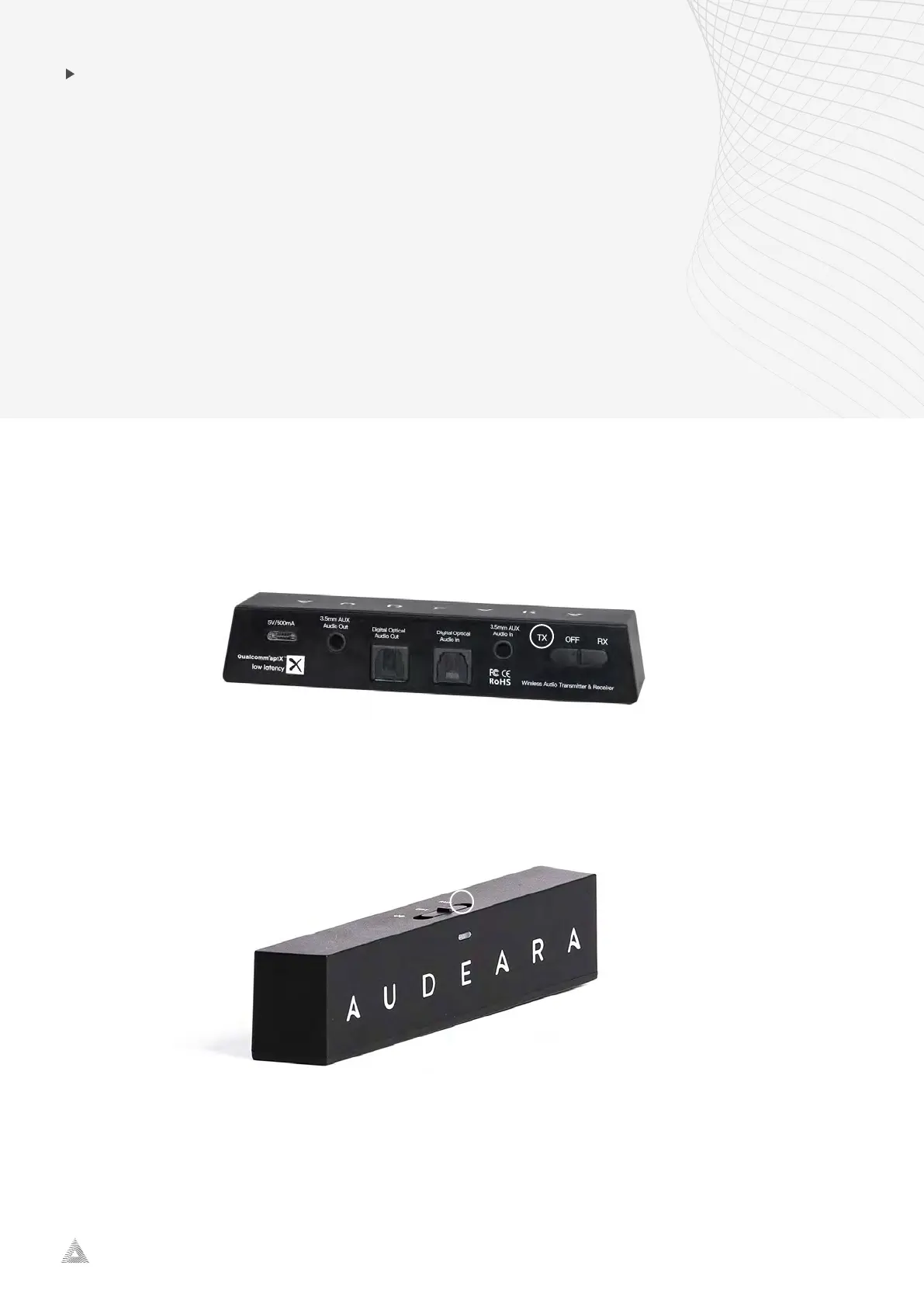
2. Slide the transceiver button on to “TX” on the back to turn on “Transceiver Mode”.
3. Hold the middle button on the left ear cup of the headphones for three seconds or until
the light lashes blue and red.
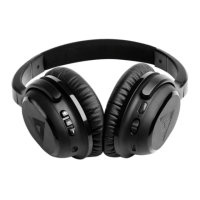
4. Slide the button on the top of the TV transceiver into “pairing mode” until it lashes red
and blue.
5. The colour will lash to blue and then become a steady blue light on both devices to show
they have been paired.


 To Next Page