Need help?
Do you have a question about the Audeara A-02 and is the answer not in the manual?
Details all items included in the package, including the headphones, carry case, and various accessories.
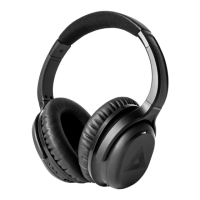
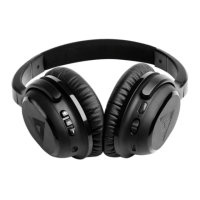
Details controls and ports on the left ear cup of the headphones.
Details controls and ports on the right ear cup of the headphones.
Steps to put headphones into pairing mode via power and multifunction buttons.
Guide to pairing headphones with a Bluetooth-enabled mobile device.
Instructions for pairing headphones to a second device simultaneously.
Explains how to use the Audeara app for a personalized hearing profile.
Notes that the tailored hearing profile is stored by the headphones.
Details the charging process using the USB-C cable and power indicator.
Explains using the multifunction button for calls, music playback, and control.
Tips for using the carry case with the included carabiner for travel.
Details FCC and IC compliance requirements and statements for the device.
States compliance with the European Union's RoHS Directive on hazardous substances.
Informs users about responsible disposal of electronic waste according to WEEE regulations.

 To Next Page


 General