2. Connect to a mobile device
On your mobile device, navigate to Settings > Bluetooth and ensure
Bluetooth is turned on
Tap on “Audeara A-02” to pair to your device
3. Connect to a second mobile device (optional)
Your Headphones can pair to two devices at the same time
1. Place your Headphones in Pairing Mode
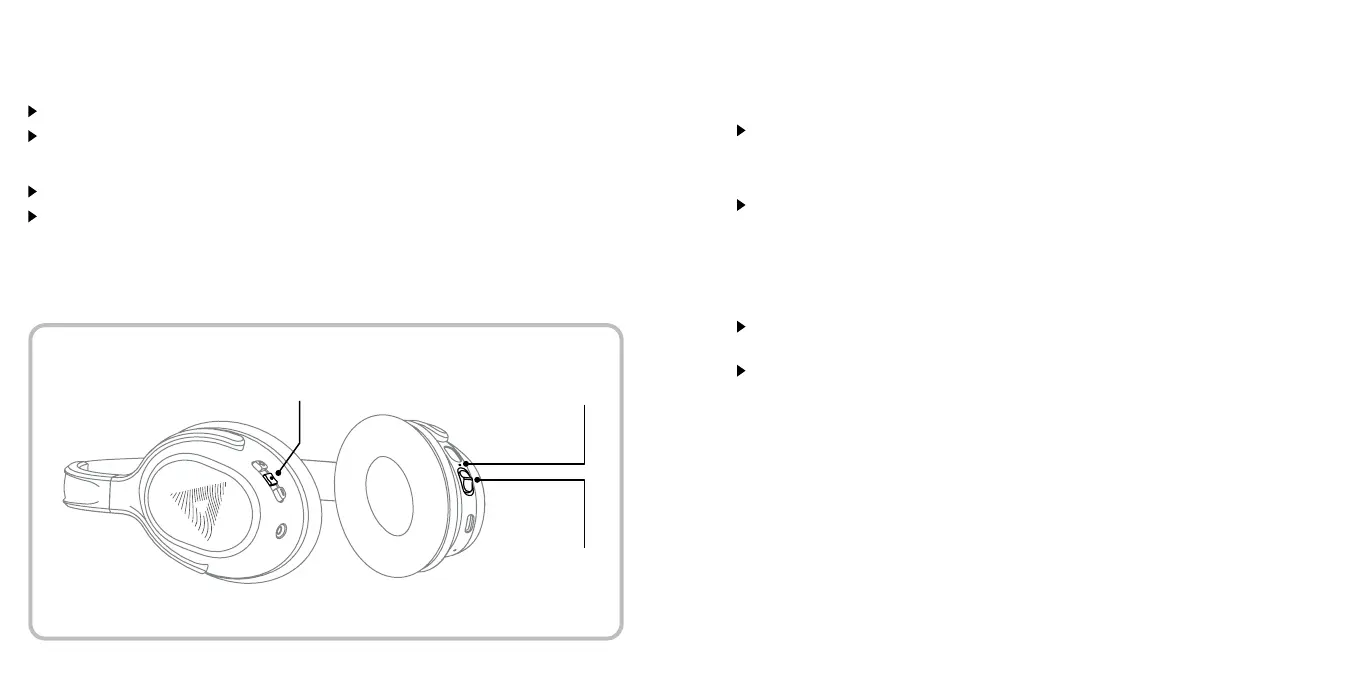
Power your Headphones on by flicking the Power Switch up
Hold down the Multifunction (middle) Button for three seconds
Power Switch
Multifunction Button
Power Indicator
12 13


 To Next Page