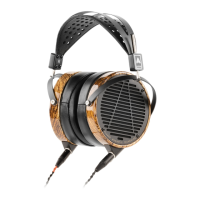
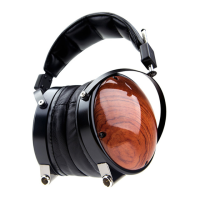
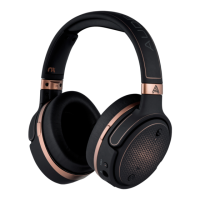
LCD Comfort
Before using your LCD Collection headphone, take a moment to read
our Comfort Guide. Visit audeze.com/comfort for more information.
Connecting Your Headphones
Look for the (L) and (R) indicators on the cable ends and match
them to the headphone’s (L) and (R) inputs that are located on
the headband adjusting block. The connectors will only fit in one
orientation. Once the proper orientation is found, pushing the
connector in creates an audible “click” so you know it’s properly
engaged.
To remove the connector press down on the small black (L) and
red (R) button and gently remove the connector by pulling
straight back.
Care and Maintenance
Occasional easy-to-perform maintenance adds longevity to your
Audeze headphones. We recommend our Custom Leather Care
Kit to assure the leather remains soft and lustrous. Do not use
any wood care treatments on the wood rings and/or cups as the
surfaces are already specially coated and don’t require additional
treatment.



 To Next Page