Importing/exporting customer data
1. Activate the software download menu: First press Tone and then Back
and hold both buttons down simultaneously for approx. five seconds until the display
changes.
Note: You can quit this screen at any time by simultaneously pressing and holding the
Tone and Back buttons for more than five seconds.
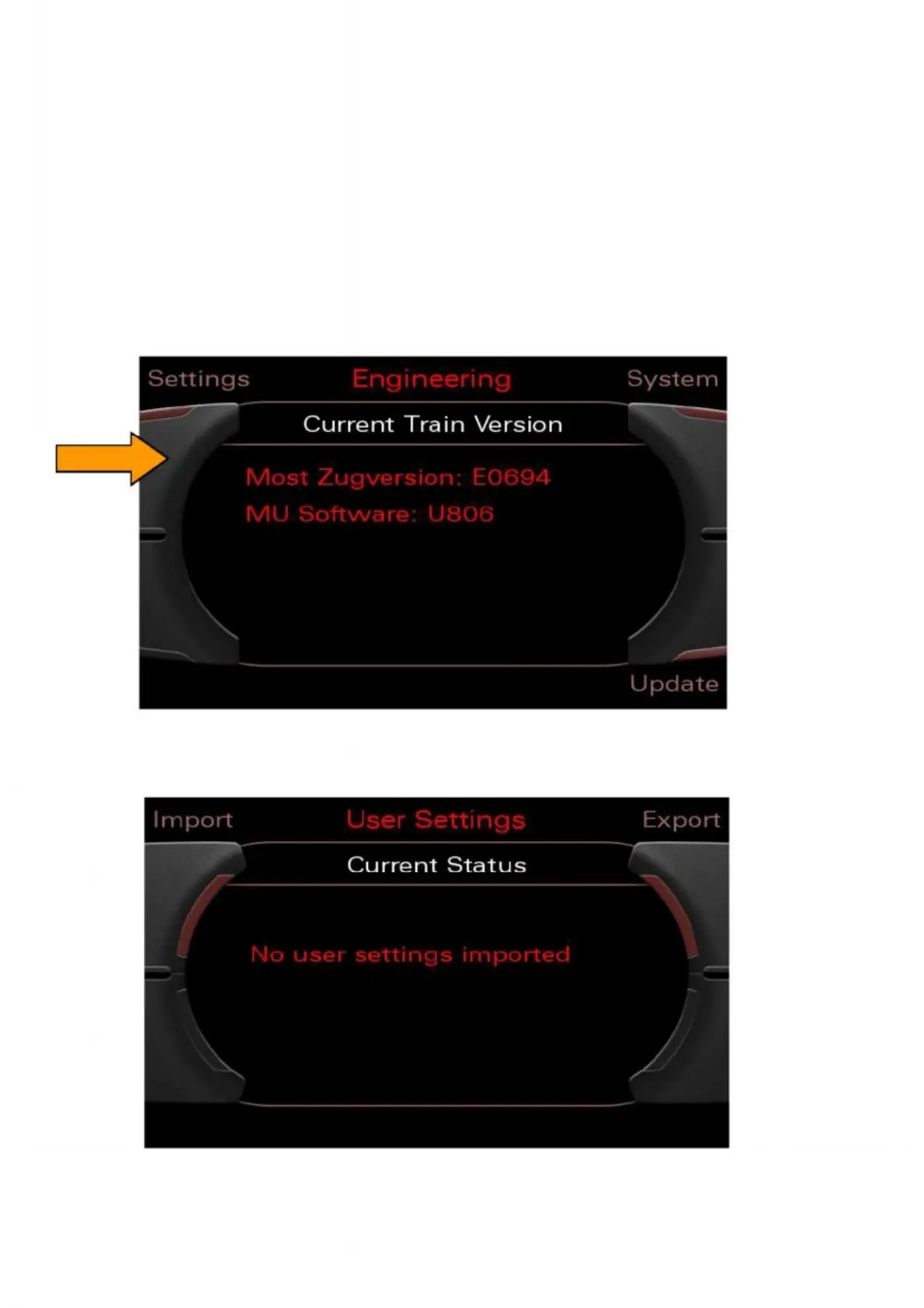
2. Select the "Settings" menu using the top left control button.
Figure 31: Selecting Settings using the top left control button
3. From the "User settings" menu, select the "Export" option.
Figure 32: Selecting the export option


 To Next Page
 Loading...

