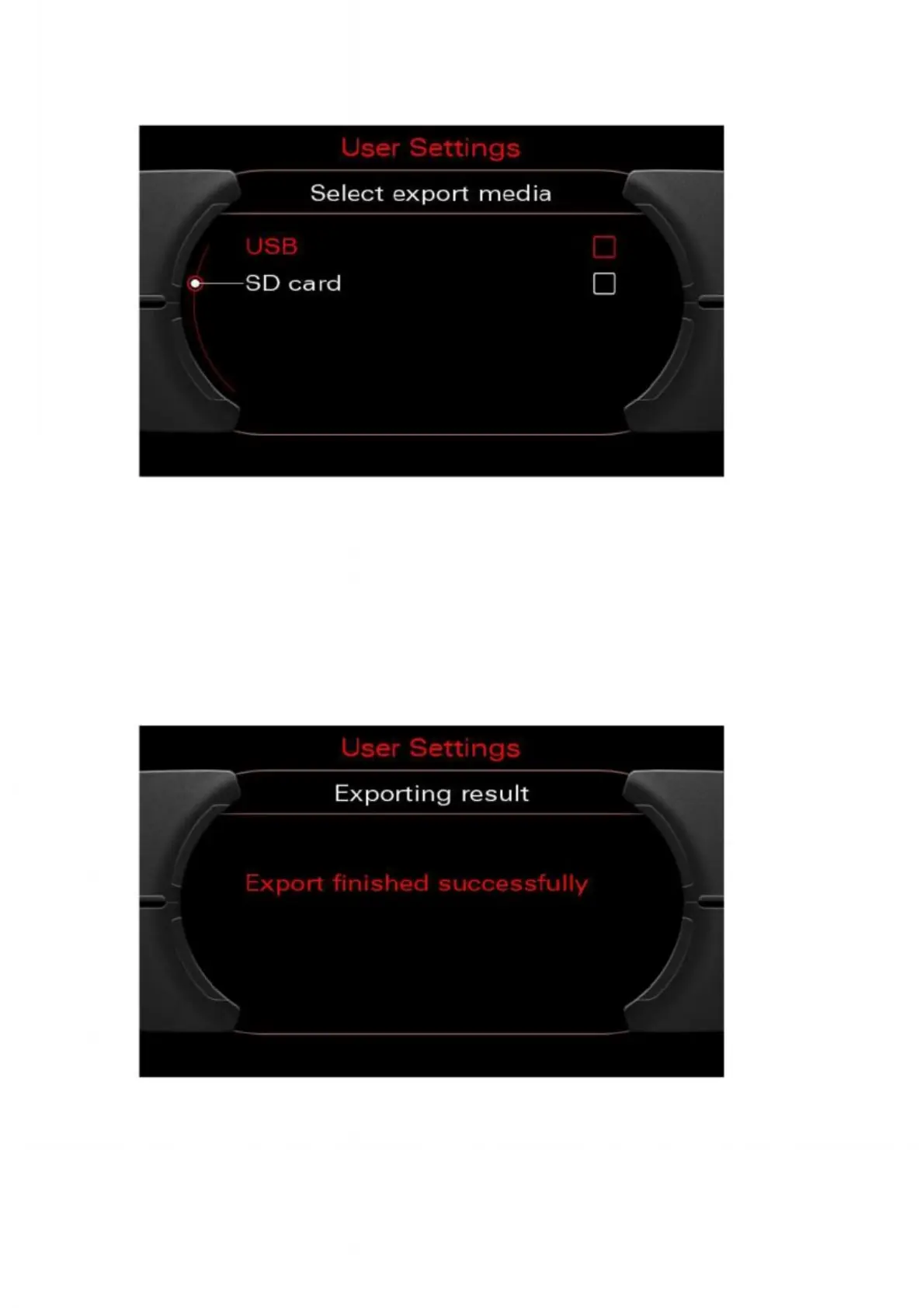
4. Make sure that the desired medium (USB or SD card) is connected or inserted.
Then select the relevant medium using the rotary pushbutton.
Figure 33: Selecting the export medium
5. On successful completion, an appropriate message will appear. Pressing the rotary
pushbutton returns you to the main "Settings" screen. An encrypted file containing
the customer data will now be stored on the selected medium. Now you can continue by
starting the update programming (see Chapters 2 & 3), or you can quit the screen
again by pressing and holding the Tone and Back buttons for more than five seconds.
Figure 42: Export successful
Figure 34: Export successfully performed


 To Next Page
 Loading...

