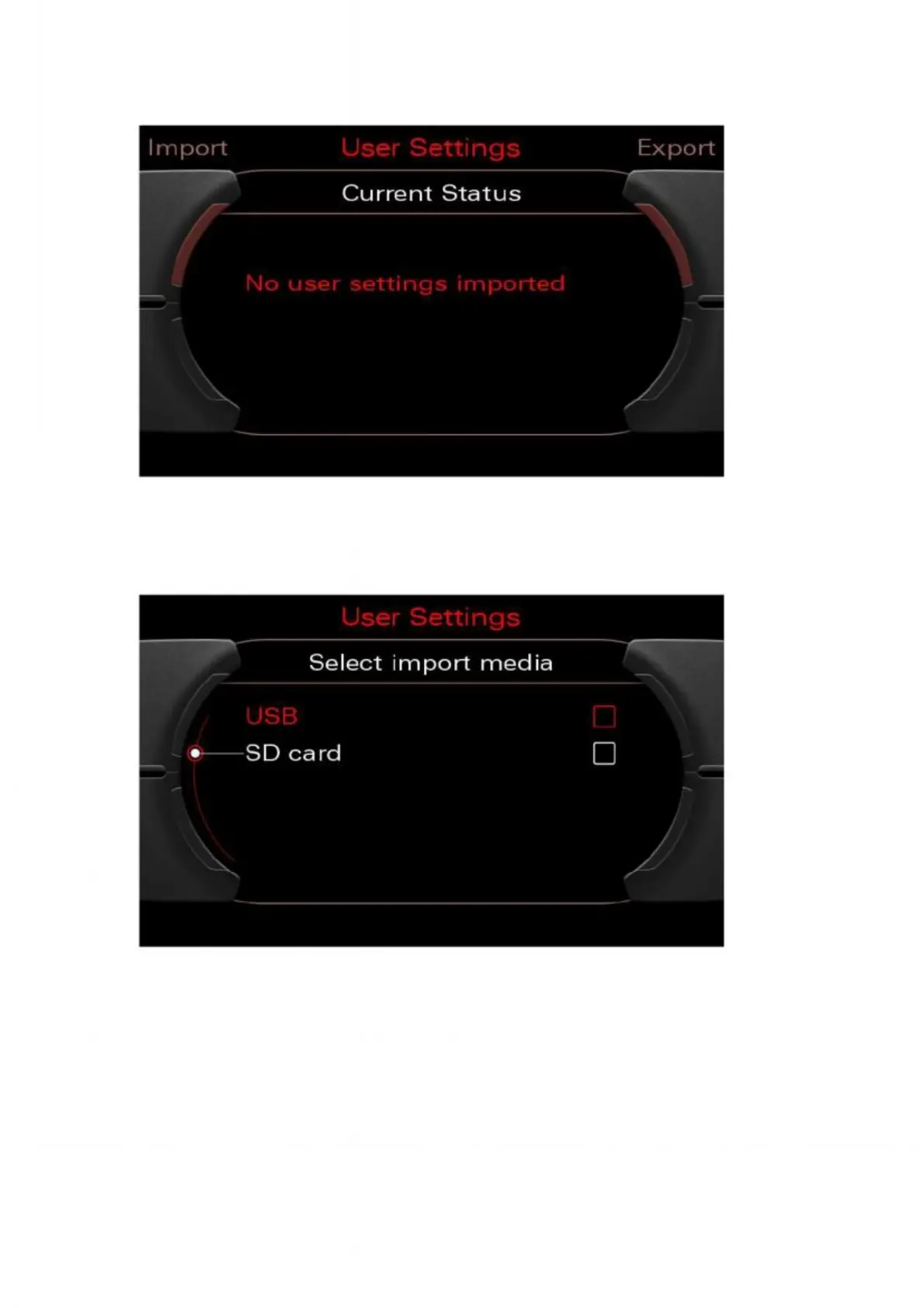
6. To install customer-specific data e.g. on a new MMI, follow steps 1 and 2 of
the export process. From the "Settings" menu, select the "Import" option.
Figure 35: Selecting the import option
7. Make sure that the medium (USB or SD card) containing the export file is connected
or inserted. Then select the relevant medium using the rotary pushbutton.
Figure 36: Selecting the import medium


 To Next Page
 Loading...

