Activating imported customer data
1. Imported customer data is only visible in the MMI when the customer code has been
confirmed.
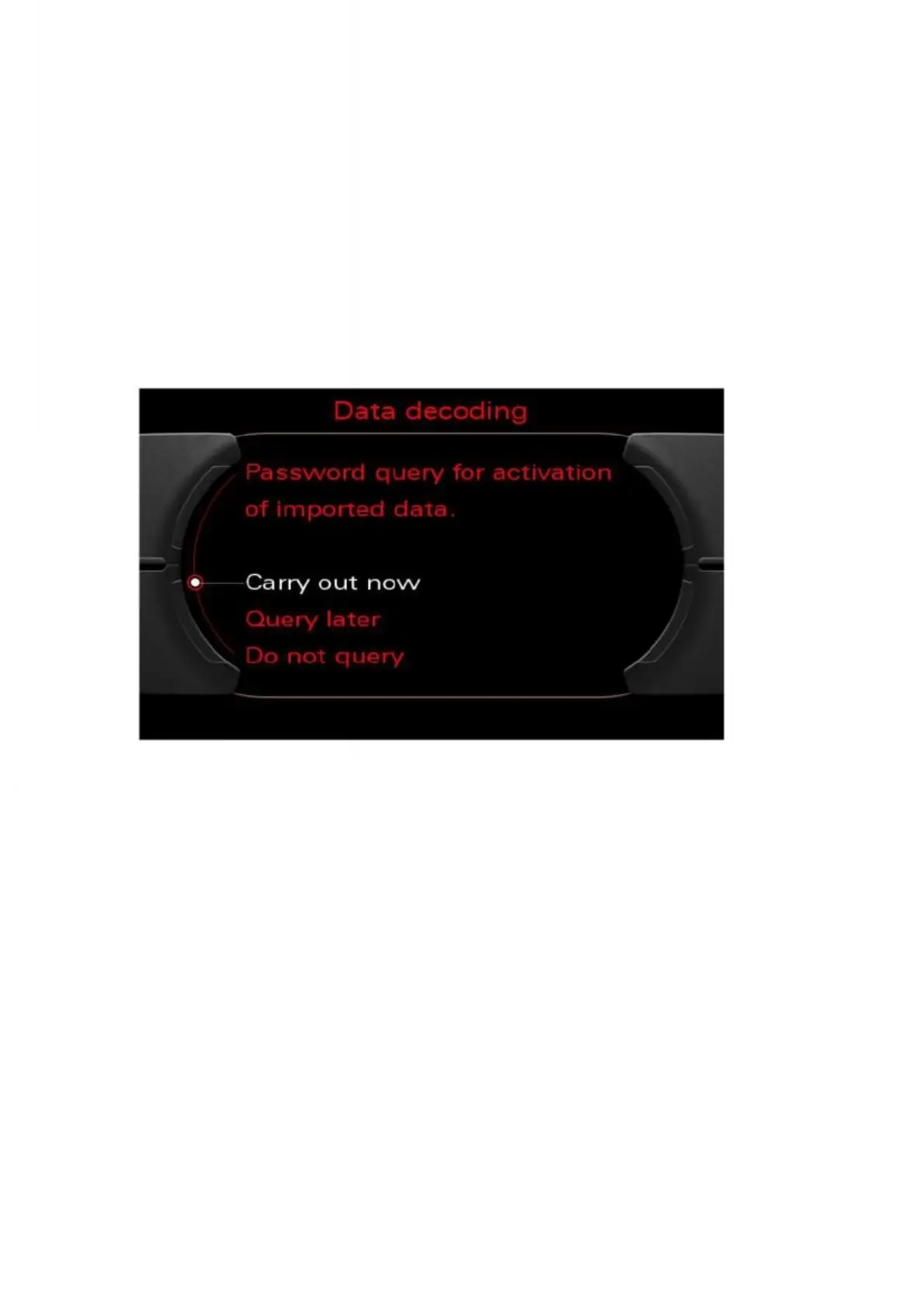
2. When the MMI is restarted, a prompt will automatically appear. (Note: The prompt
only appears when the ignition is switched on).
The customer code can be entered by selecting the option "Carry out now". If you
select "Query later", you will not be prompted again until the next time you start up. To
reject the import, select the "Do not query" option.
Figure 38: Customer code prompt


 To Next Page
 Loading...

