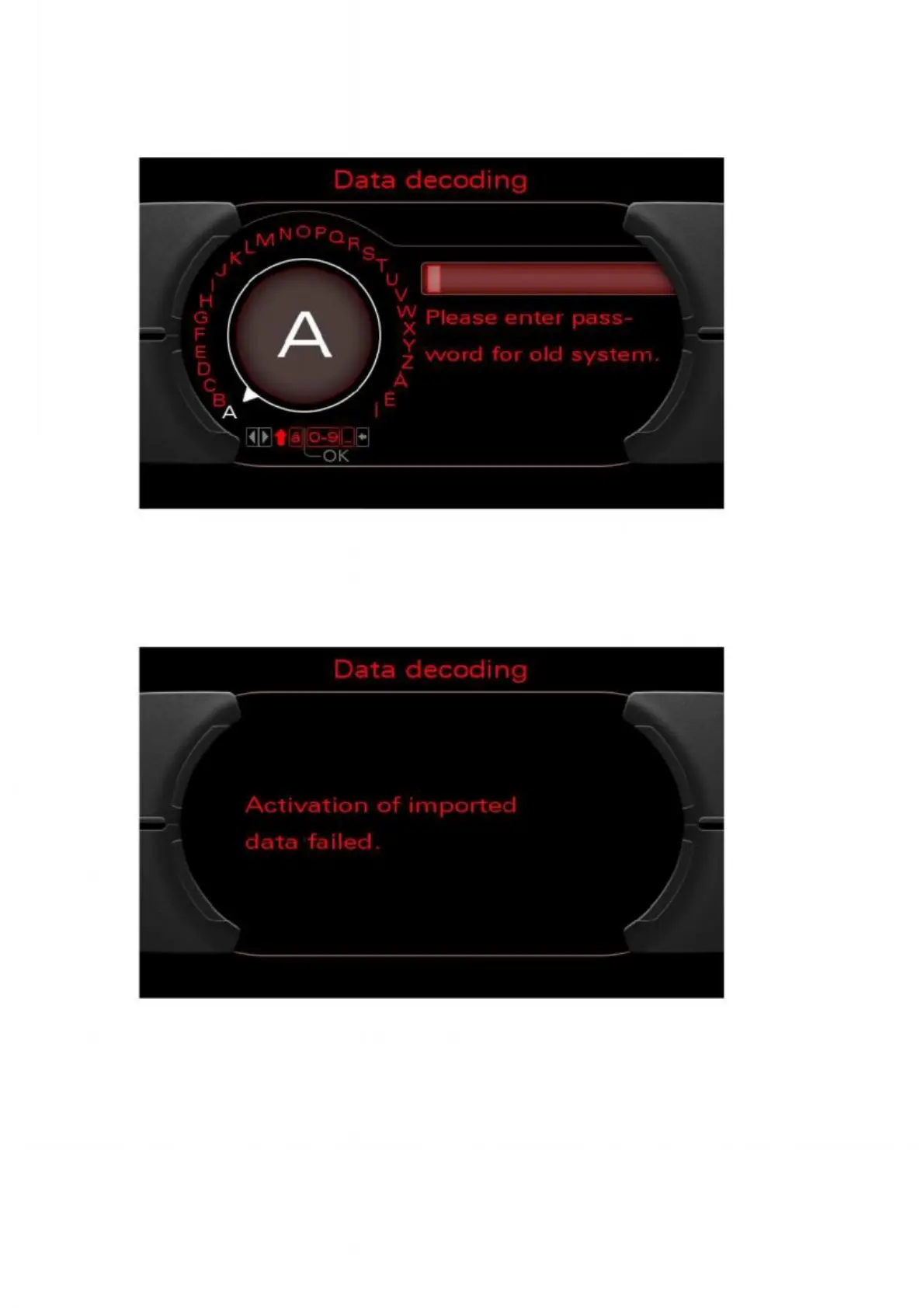
3. The customer code can be entered using the rotary pushbutton. Press "OK"
to confirm and make the data accessible. Following an automatic system restart, the
imported customer data is then available in the MMI.
Figure 39: Entering the customer code
4. If the code is entered incorrectly, an error message will appear. To re-enter the code,
turn the ignition off and then on again. The prompt from step 2 will then reappear.
Figure 40: Customer code entered incorrectly


 To Next Page
 Loading...

