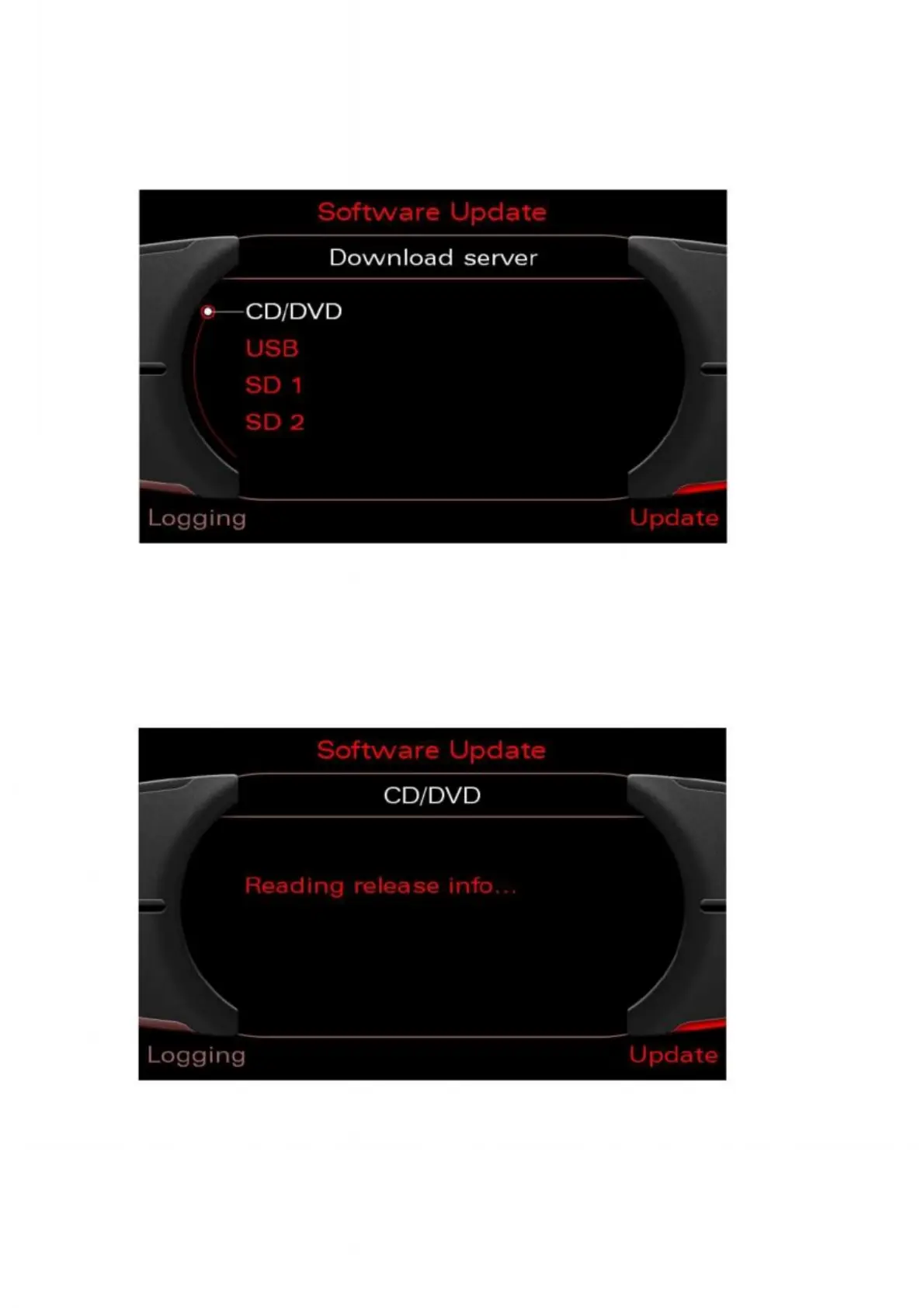
8. After all the devices have registered, the download application automatically
changes to "Download server". Press the rotary pushbutton to activate the update
from CD. The download server can include various entries depending on the vehicle
configuration. It is possible to update from the CD at any time.
Figure 3: Selecting update from CD using the rotary pushbutton
9. Wait at least 20 seconds for the meta information to be read. If it is taking too long
to read the media due to reading problems, the process can be aborted by pressing
Back. If it is not possible to read the meta information, check and, if necessary, replace
the update media.
Figure 4: Waiting while the meta information is read



 To Next Page