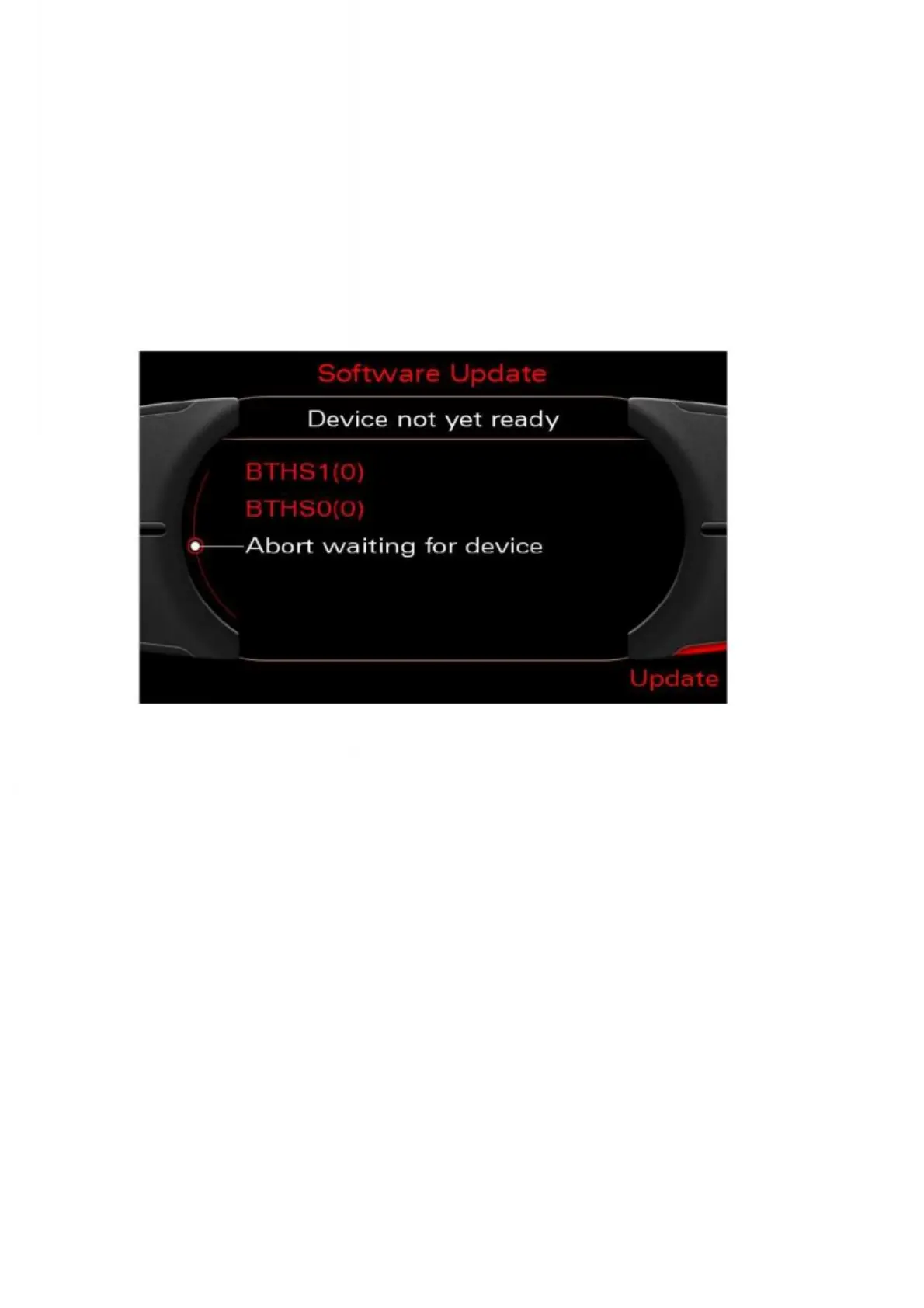
7. After pressing the Update soft key, the software download application starts
by scanning the existing devices. Bluetooth devices are scanned each time the
software download is opened, as these may be changed at any time.
This process can take quite a while depending on the devices being scanned.
Status information is displayed on a waiting screen while the process is carried out.
Note: Ensure that the handset is switched on and in the charging cradle. If waiting
for the device is aborted, the devices are not considered in the subsequent software
download.
Figure 2: Waiting for all devices to register



 To Next Page