3
4
Installation procedure Installation procedure
16.Installation Photo
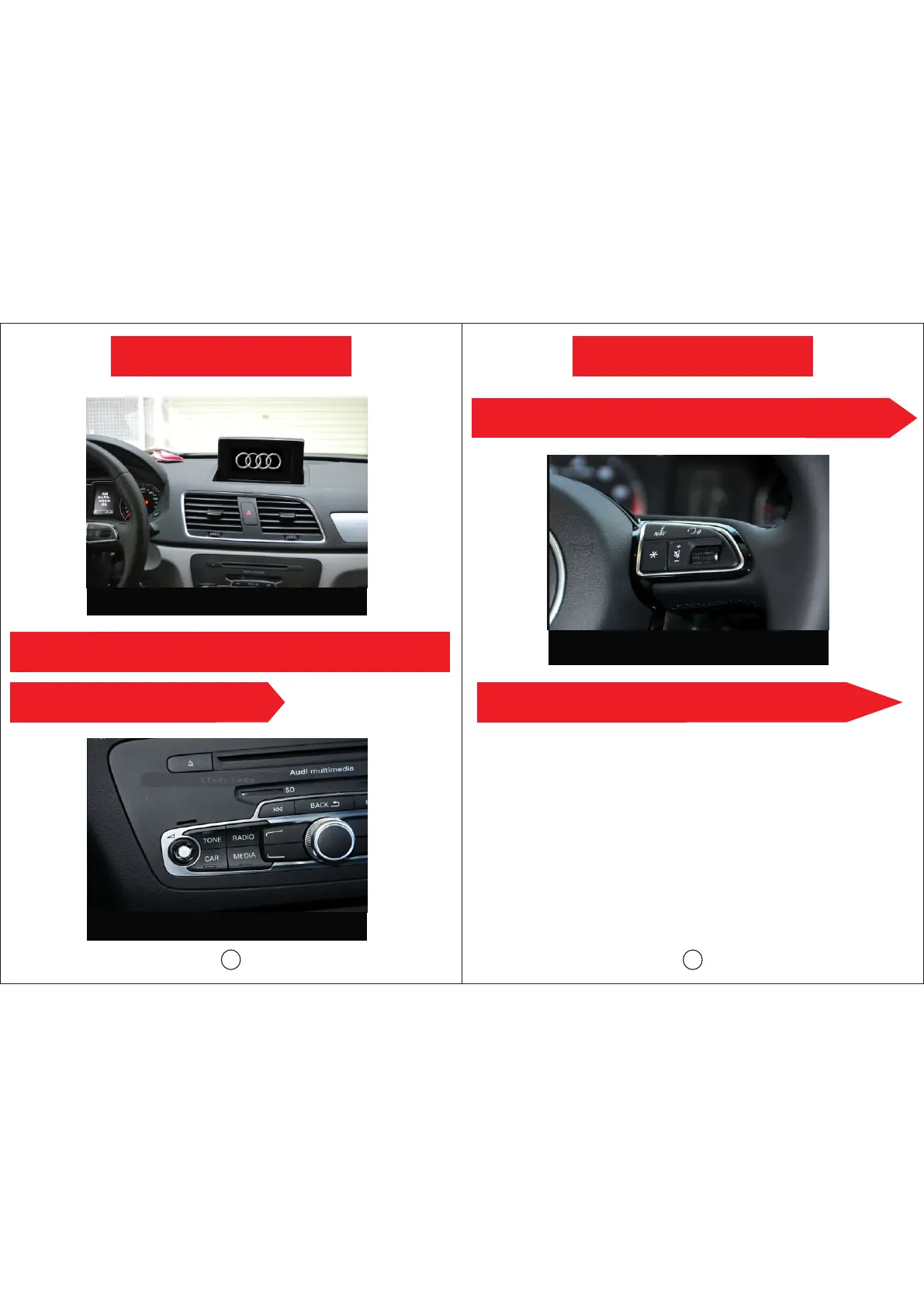
The original sound and interface switchover to our unit sound and
interface each other.
1, Start the AUX function on original CD interface, click the “MEDIA” to
switchover the original radio sound, CD sound to our unit radio sound, CD
sound.
Turn to radio or CD function, click the touch screen on 3 second into GPS
interface (or click the NAVI on the original car), then the GPS sound come
from the little loudspeaker when the original radio, CD function on.
The original interface switch to our unit interface each other.
1.Click the touch screen into our unit interface on the original CD or radio
function
2.Click the lower left “Back” on our unit main menu interface into the
original interface.
Our unit sound come from the original loudspeaker.
The GPS sound come from the little loudspeaker when the original radio,
CD function on.



 To Previous Page