2 3
Welcome to your
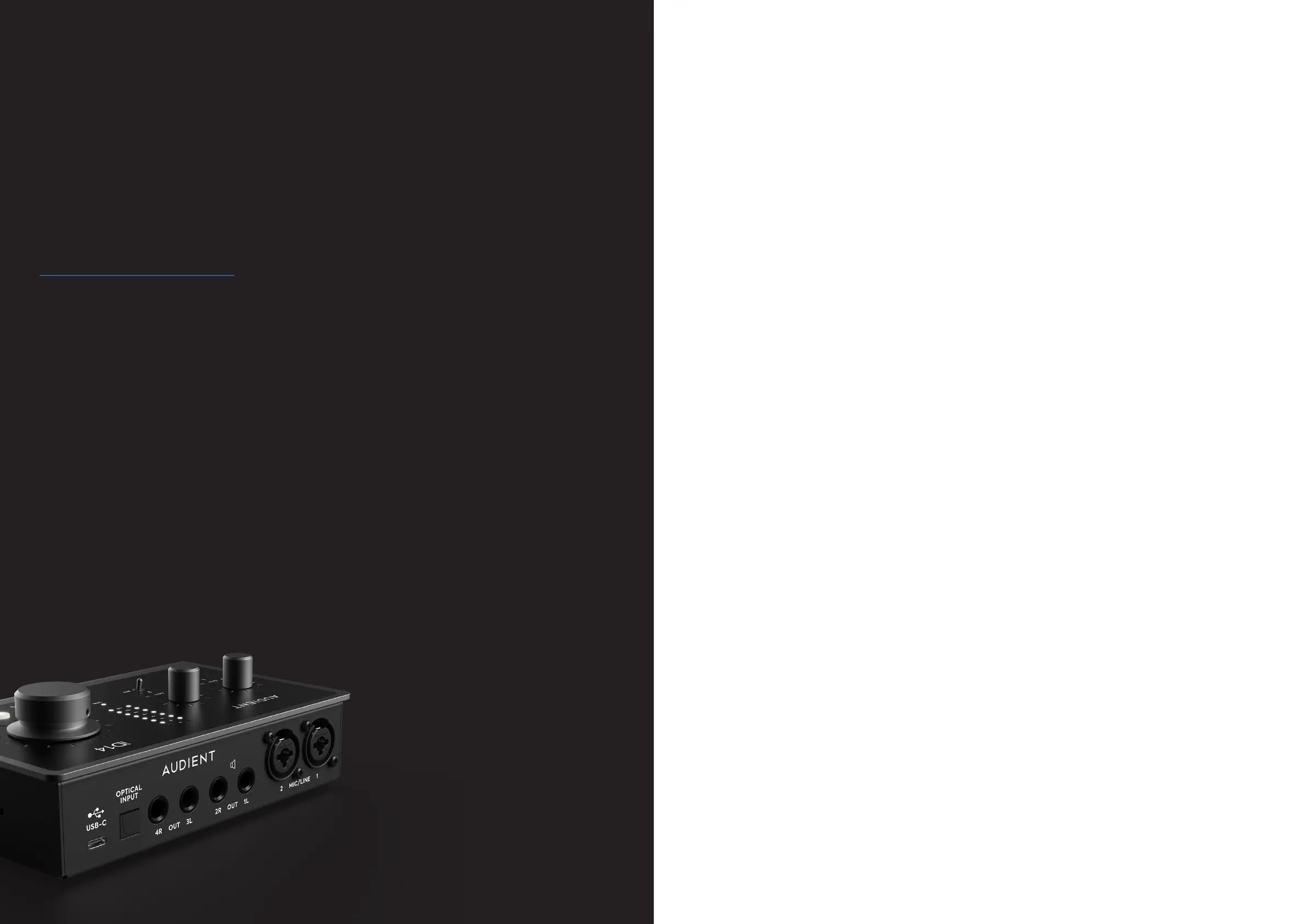
new Audient iD14
Audio Interface
Inside the box:
• iD14
• USB-C to USB-C cable
• Quick Start Guide
Features include:
• 2 x Audient Console Mic Pre’s
• Class Leading Converters
• 1 x JFET Instrument Input
• 4 x Line Outputs
• Dual Headphone Outputs
• ADAT Input for Expandability
• Ultra Low Latency Software Mixer
• Advanced Monitor Control
• Scrollcontrol
• True Phantom Power over USB
• USB3.0 Bus Powered
• All Metal Design
• Free Software + Plugins
Contents
iD14 Overview
Safety Information
Declaration of Conformities
Mac Installation
Windows Installation
iD App & Firmware Update
Microphone & Line Input
Instrument Input
Headphone Output
Digital Inputs
Loudspeaker Outputs
Monitor Control
Metering
Kensington Lock
Input Channel Types
Channel Features
Mastering Section Features
System Panel Features
Setting Up & Using Talkback
Save & Load Mixer Presets
Menu/Task Bar Icon
Keyboard Shortcuts
4
5
7
8
9
11
13
14
15
16
16
17
18
18
19
19
20
21
23
24
27
30
31
32
34
Pro Tools Setup
Logic Pro Setup
Cubase/Nuendo Setup
Ableton Setup
Troubleshooting & FAQ
Technical Specifications
Dimensions
Warranty & Contact
Service
Glossary
35
35
36
38
39
40
43
44
45
46
47
To help get you started please visit
audient.com/products/iD14
to download the latest software
and firmware.
Daw Setups:
Hardware Features:
iD Mixer Application:


 To Next Page