EasyManua.ls Logo

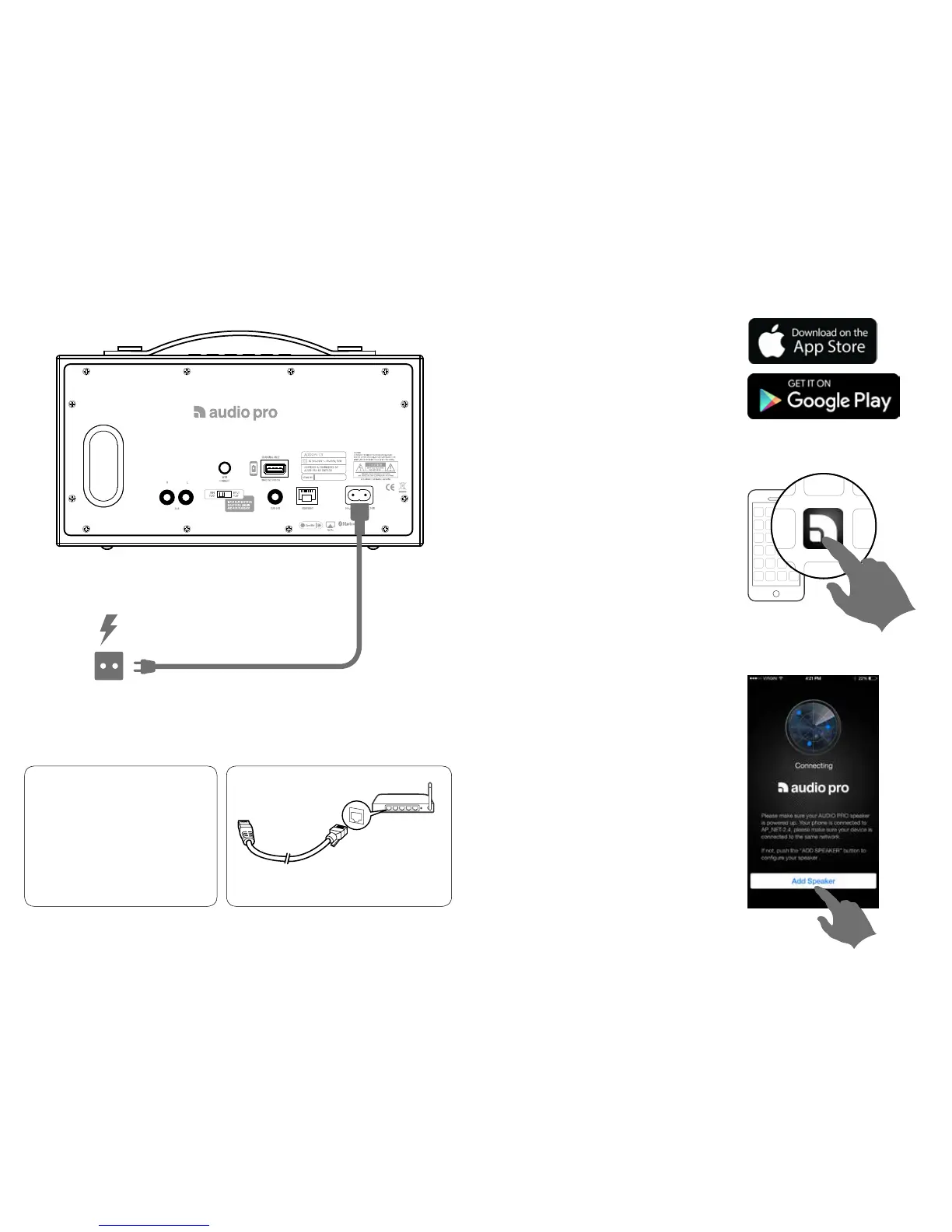
Audio Pro ADDON C5 - Initial Speaker Setup: Powering Up; Initial Speaker Setup: App Download; Initial Speaker Setup: Adding Speaker; Placement and Optional Wired Connection

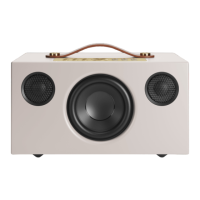
Audio Pro ADDON C5
15 pages
Print Icon
To Next Page IconTo Next Page
To Previous Page IconTo Previous Page
Loading...
2. DOWNLOAD THE AUDIO PRO APP
Start adding speakers
Search for ”Audio Pro Control”
Launch app and follow instructions
1. CONNECT TO POWER
TIPS
Place speaker close to your router when
doing the setup. You can later view
signal strength in the app for other
placements.
Connect to wired network with ethernet cable.
OPTION  OPTIONAL
100-240V
50-60Hz

Other manuals for Audio Pro ADDON C5

Related product manuals