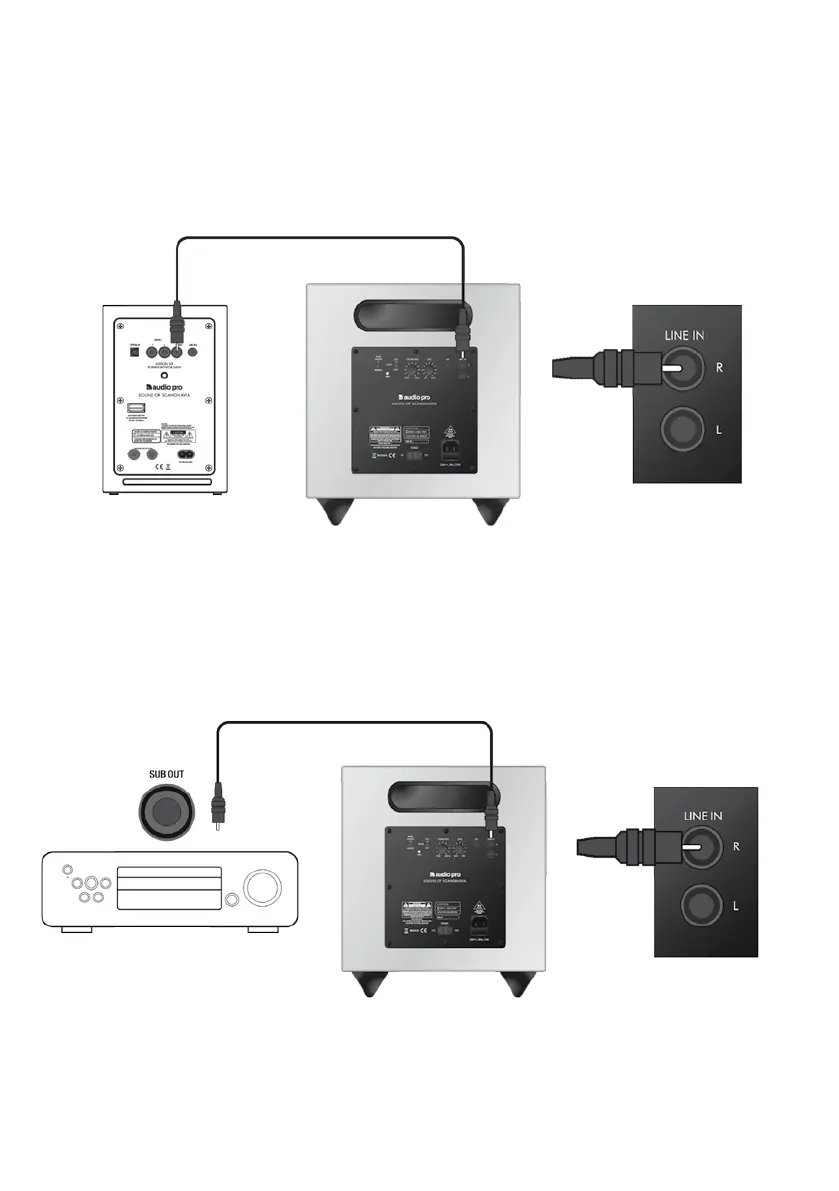
CONNECTING ADDON SUB
CONNECT TO ADDON SPEAKERS
CONNECT TO STEREO/RECEIVER
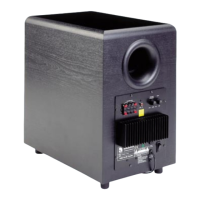
Use supplied RCA cable and connect to subout on Addon speaker (or any powered speaker with sub output),
then connect the cable to RCA input RIGHT (R input, red in colour).
Adjust Level and crossover on Addon SUB to your liking and environment.
Use supplied RCA cable and connect to subout on your stereo/receiver, then connect the cable to RCA input
RIGHT (R input, red in colour). Adjust Level and crossover on Addon SUB to your liking and environment.
NOTE:
Use LFE input if you want to use your home theater receiver to
adjust crossover frequency of Addon SUB subwoofer.







 To Next Page