28 29
DE Seite 2-21EN Page 22-41FR Page 42-61NL Pagina 62-81IT Pagina 82-101
SWITCHING ON AND OFFHANDLING THE BATTERIES
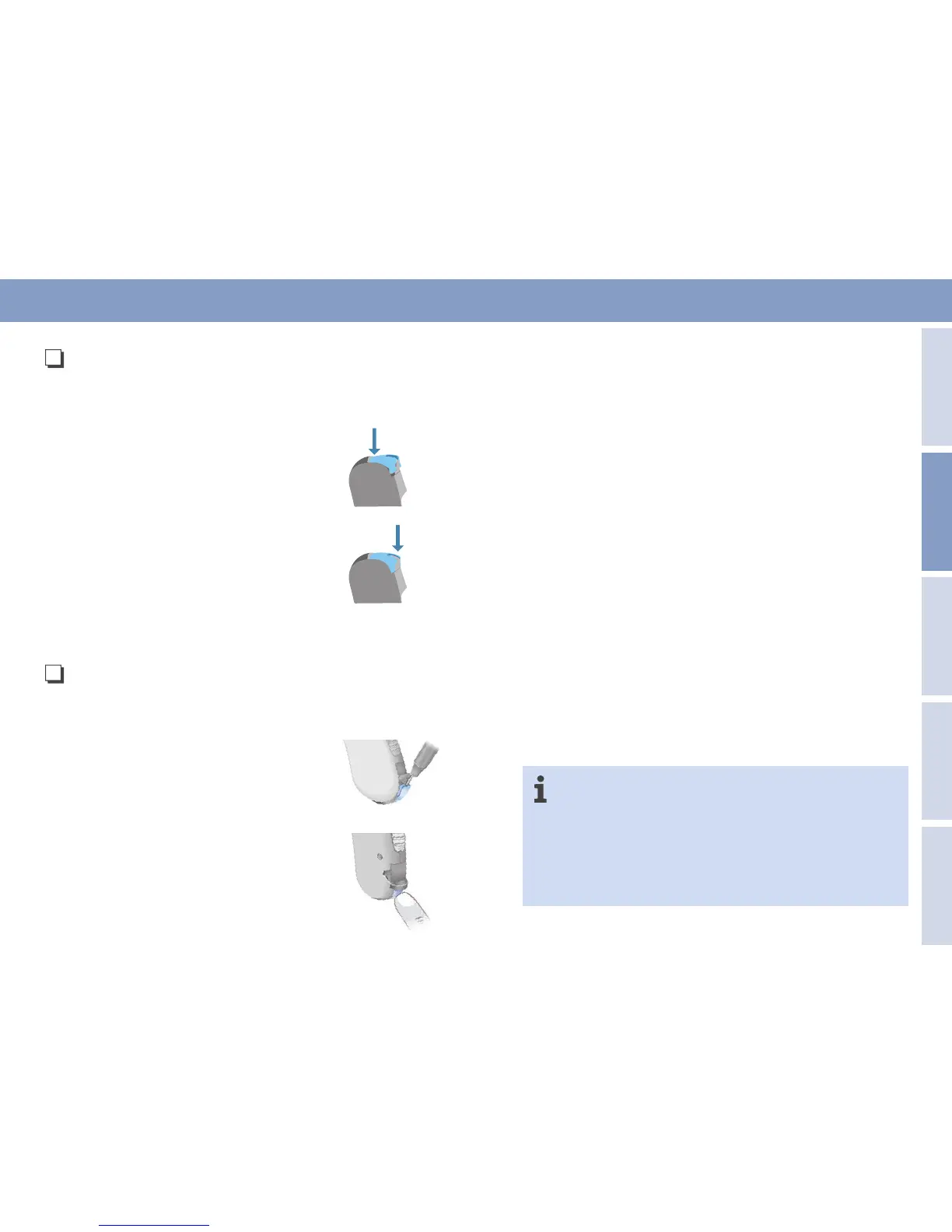
DUO AND P (OPTIONAL BATTERY
COMPARTMENT)
Your hearing system specialist can exchange the optional
battery compartment for the standard one.
RELEASE
Press down with your fingernail or a suit-
able tool on the end of the transparent
clip until it slightly lifts up at the front. The
battery compartment can be opened.
SECURE
Close the battery compartment. Make sure
that the transparent clip is pressed home at
the front.
HP (OPTIONAL CLIP)
Y our hearing system specialist fits the optional clip.
RELEASE
Open the battery compartment securing
device with a suitable tool. The battery
compartment can be opened.
SECURE
Close the battery compartment. Make sure
that the transparent battery compartment
securing device is pressed home.
SWITCHING ON AND OFF
The battery compartment also serves as an on/off switch. Your
hearing system is switched on when the battery compartment is
fully closed. The hearing system is switched off when the battery
compartment is pulled out as far as the first point of disengage-
ment. Always switch off your hearing system after use. If you are
not going to use your hearing system for a long time, please take
the battery out.
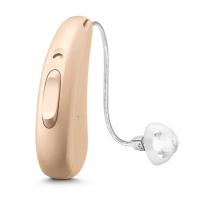
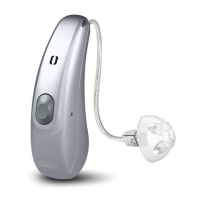
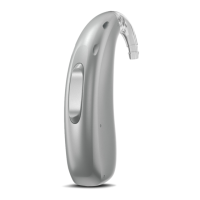
Some models can also be switched on and off using the push
button or rocker switch. Please ask your hearing system specialist
about this and see the overview on p.
38-39
. Some hearing sys-
tems can be optionally switched on and off with a remote control.
Please ask your hearing system specialist about this option.
AUDIOMATIC
If your hearing system has automatic power-on delay, this can be
set by your hearing system specialist. After switching your hearing
system on, there is a delay of about
12
seconds, giving you time to
fit it to your ear without feedback whistling.
LEFT/RIGHT COLOR CODING OF THE
HEARING SYSTEMS
If your hearing systems are color-coded, this indicates
which is the right and which is the left hearing system:
blue = left red = right



 To Next Page