CONFIGURATION oF youR
HeaRIng sysTems
Hearing system
left right
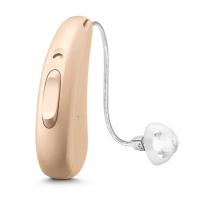
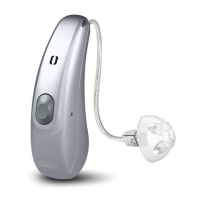
Push button
❑
Quick press
Program change
Quick press
❑
❑
Program change with on/off function
❑
Quick press Program change Quick press
Hold down for
approx. 2 sec.
Switch on and off
Hold down for
approx. 2 sec.
❑
Quick press
Volume control
Quick press
❑
Hearing system
left right
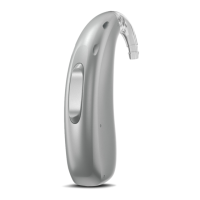
Rocker switch
❑
Quick press
up/down
Program change
Quick press
up/down
❑
❑
Program change with on/off function
❑
Quick press
up/down
Program change
Quick press
up/down
Hold up/down
approx. 2 sec.
Switch on and off
Hold up/down
for approx. 2 sec.
❑
Quick press
up/down
Volume control
Quick press
up/down
❑
❑
Volume control and program change
❑
Quick press
up/down
Volume control
Quick press
up/down
Hold up/down
for approx.2 sec.
Program change
Hold up/down
for approx.2 sec.
❑
Volume control and program change
with on/off function
❑
Quick press
up/down
Volume control
Quick press
up/down
Hold up/down
for approx.2 sec.
Program change
Hold up/down
for approx.2 sec.
Hold up for
approx. 5 sec.
Switch on and off
Hold up for
approx. 5 sec.
❑
Quick press
up/down
Tone
Quick press
up/down
❑
cOnfiGUratiOn Of yOUr hearinG systems cOnfiGUratiOn Of yOUr hearinG systems



 To Next Page