9
Using the product
Computer settings (Mac OS X)
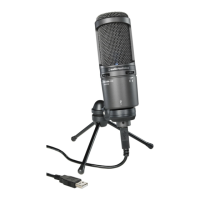
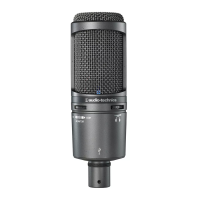
1. Use the USB cable to connect the product to a computer.
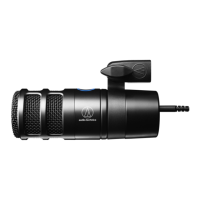
2. Confirm that the indicator lamp on the product lights.
• Indicator lamp lights blue to show that the microphone is receiving power via USB.
• The computer automatically recognizes the product and the driver is installed on the computer.
3. From the Apple icon, select "System Preferences".
4. Select "Sound".



 To Next Page
