06
17
Instruction for the operation of touch screen
4. Instruction for the setting
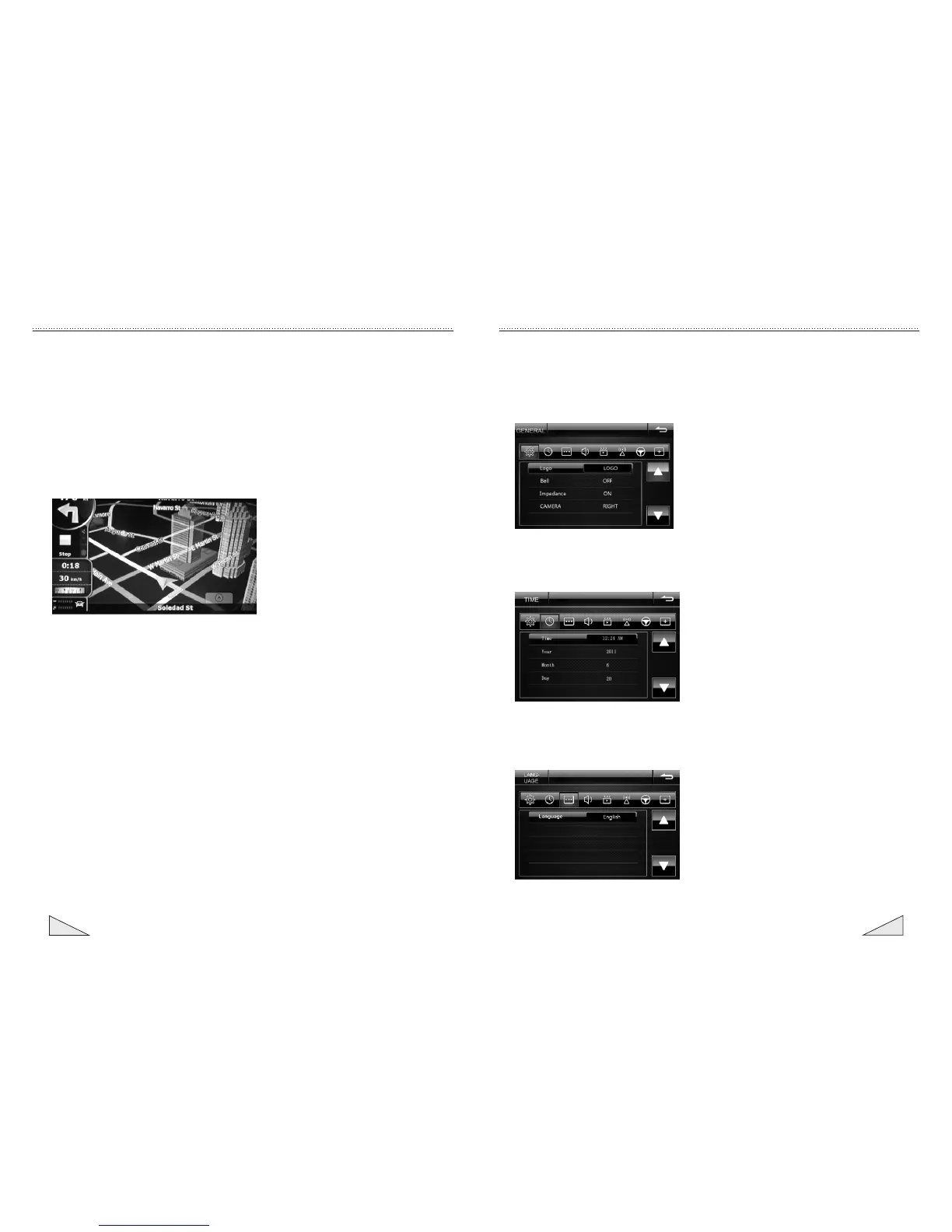
4.1 General setting
4.2 Time setting
Time setting can set the year, month, date and time of the system.
4.3 Language setting
The language setting can set the language display of the operating system.
The general setting interface may switch the startup picture, switch button sound , the
high and low impedance of the steering wheel and reversing mirror.
Instruction for the operation of touch screen
10.3 GPS map interface
10.2.2 Simulated navigation: After the route is planned well in 11.2.1, touch the map
menu--[Route] menu at the bottom right corner, touch [FLYOVER] at the top right corner
for rapid simulation (Without the sound), touch [Simulate] at the bottom right corner for
normal simulation (With the sound), touch [Delete Route] to delete the set route and
touch [Itinerary] for the route and other details.
10.2.3 If original route is set well and kept in deletion, but the setting of new route is
required, delete the route by [Delete Route] in 11.2.2, set the new start and plan new
route according to the steps in 11.2.1.


 To Next Page
 Loading...