page 6
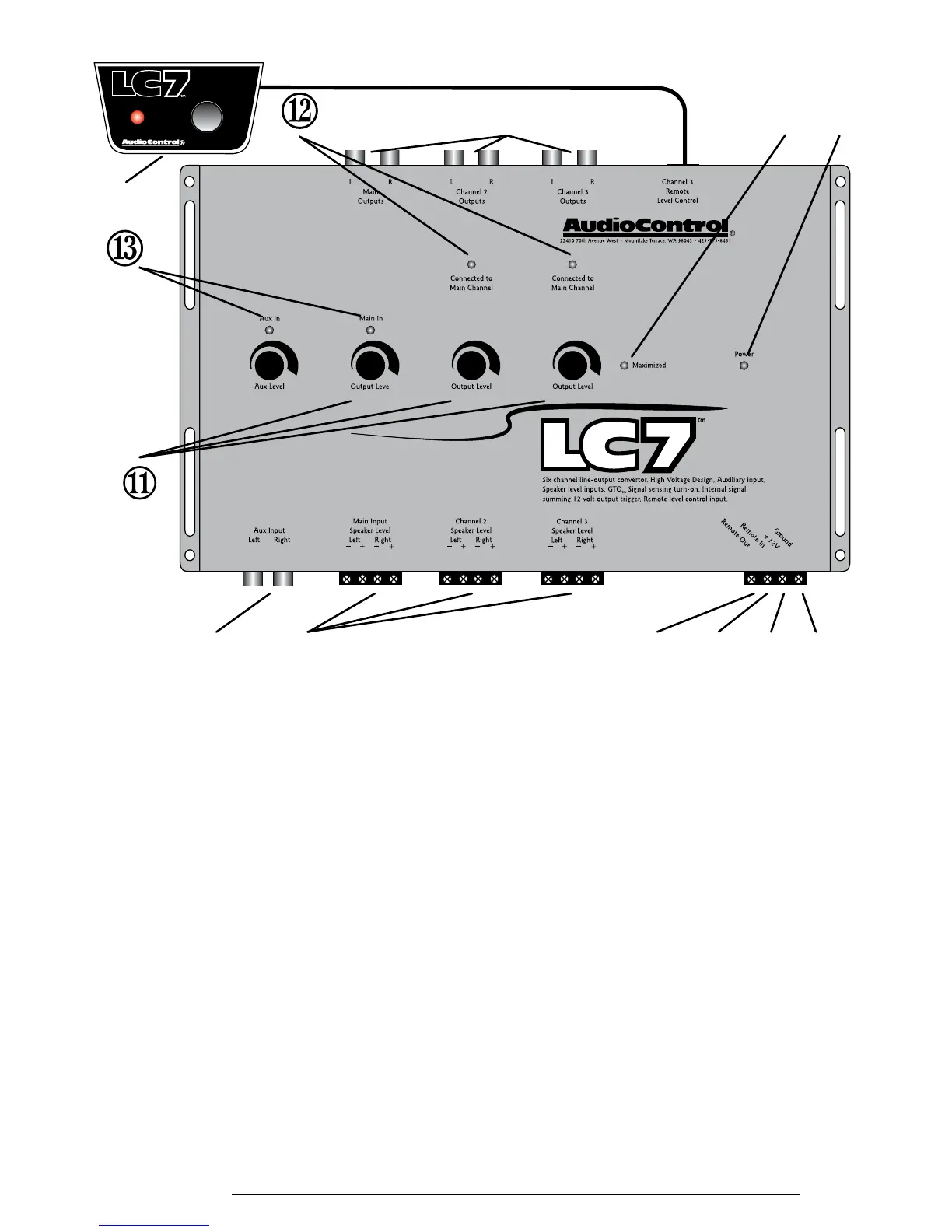
4. +12 Volt: Connect to a good source of power (the battery comes to
mind again)
5. Remote In: Allows your LC7 to be turned on remotely with a
12-volt signal. NOTE: If you are using the GTO signal sense on your
speaker level inputs, you will probably not need to connect this input.
6. Remote Out: Outputs 12 volts when the LC7 is powered up so you
can turn on external devices like signal processors and external ampli-
ers. DO NOT USE FOR SYSTEM POWER!!
7. Maximized Indicator: This brightly colored LED indicates when
your signal level is just below clipping your LC7. When properly level
matched, this LED should icker occasionally when your system is play-
ing at its maximum volume level.
8. Power: If you have connected all of your power wires correctly, this
light should be bright red when your system turns on.
9. Subwoofer Level Control / Source Selector: This input allows you
to add a remote that will allow you to control the subwoofer output of
your LC7 from your dashboard and select source inputs.
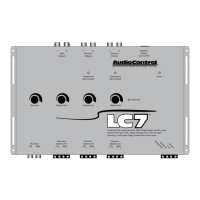
Figure 2: LC7 Top View
®¯°±
²
³
´
µ
¬
②


 To Next Page