EasyManua.ls Logo

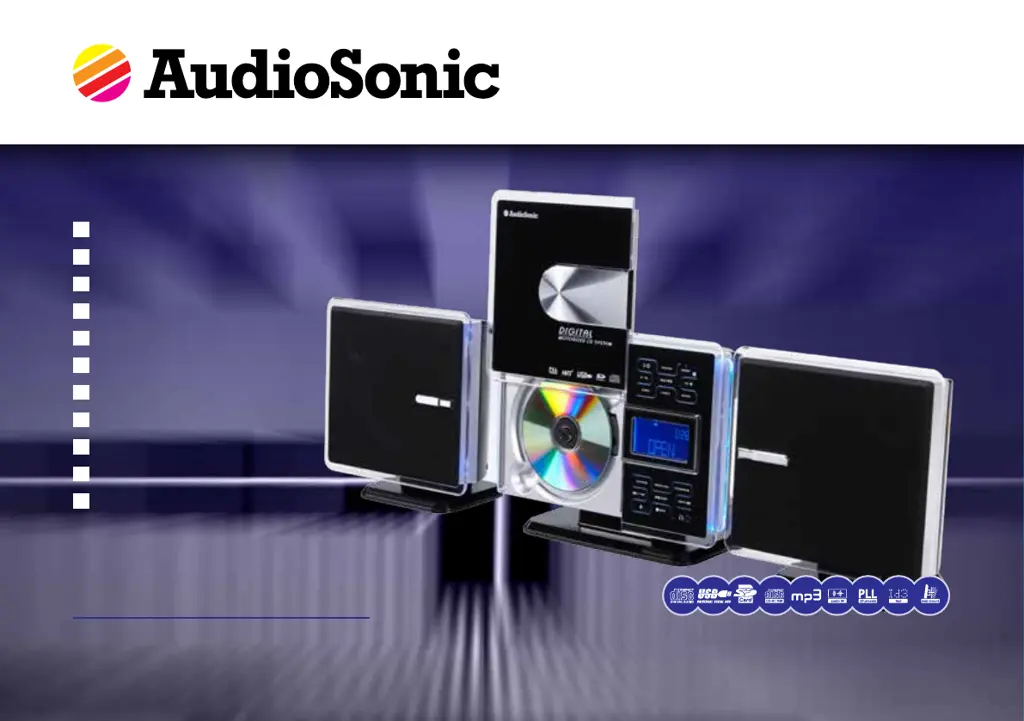
AudioSonic TXCD-1536 - User Manual

AudioSonic TXCD-1536
116 pages
Print Icon
To Next Page IconTo Next Page
Loading...
EN
Instruction Manual
NL
Gebruiksaanwijzing
fr
Mode demploi
dE
Bedienungsanleitung
Es
Manual de instrucciones
pt
Manual de Instruções
pL
Instrukcje użytkowania
it
Istruzioni per l’uso
sV
Bruksanvisning
cs
vod k použití
sk
vod k použitiu
Hi-Fi Stereoset
MP3 / ID3 - USB / SD MMC tXcd-1536
EN
Instruction Manual
NL
Gebruiksaanwijzing
fr
Mode d’emploi
dE
Bedienungsanleitung
Es
Manual de instrucciones
pt
Manual de Instruções
pL
Instrukcje użytkowania
it
Istruzioni per l’uso
sV
Bruksanvisning
cs
Návod na použití
sk
Návod na použitie

Table of Contents

Questions and Answers

  • M
    Michael PopeAug 11, 2025
    Why is there no sound coming from my AudioSonic Stereo System?
    • R
      rioscindyAug 11, 2025
      If your AudioSonic Stereo System isn't producing any sound, there are a few potential reasons. First, check that the volume isn't set to the minimum. Also, verify that the sound isn't muted. Finally, ensure that the speakers are correctly connected.
  • D
    dkennedyAug 17, 2025
    What to do if my AudioSonic Stereo System remote control does not work?
    • J
      joshua10Aug 17, 2025
      If your AudioSonic Stereo System remote control isn't working, it could be due to a couple of things. Make sure you're within 5 meters of the device, as that's the remote's range. Also, the batteries might be dead, so try replacing them.
  • B
    bryanwilliamsAug 27, 2025
    How to fix an AudioSonic Stereo System that will not turn on?
    • K
      Kevin DonaldsonAug 27, 2025
      If your AudioSonic Stereo System won't turn on, the issue might be with the power supply. Ensure the mains cable is properly connected to the wall outlet. If it is, check your fuses, as the wall outlet might not be receiving power.
  • A
    Arthur WatsonSep 2, 2025
    What to do if my AudioSonic Stereo System does not recognize the CD?
    • C
      Carrie BrownSep 2, 2025
      If your AudioSonic Stereo System isn't recognizing CDs, there could be several reasons. First, make sure the CD is inserted correctly. If it is, the CD might be dirty or defective, so try cleaning it or using a different CD. The CD format also might not be supported by the device, so insert a different CD. Finally, if it's a home-burnt CD, check it on another player to rule out errors.

Summary

Safety Precautions

General Safety Instructions

Essential safety instructions and warnings for the proper and safe operation of the device.

Installation and Setup

Battery Use Guidelines

Guidelines for safe battery handling and usage to prevent damage or injury.

Connection and Placement

Instructions for connecting the device, safety precautions, and location requirements for operation.

Remote Control

Battery Installation

Procedure for inserting batteries into the remote control, ensuring correct polarity.

Operating Instructions

CD Functions

Media Playback

USB and SD;MMC Functions

Instructions for connecting, disconnecting, and playing media from USB and SD/MMC cards.

Maintenance and Troubleshooting

Troubleshooting Guide

A table listing common problems, their possible causes, and solutions.

AudioSonic TXCD-1536 Specifications

General IconGeneral
BrandAudioSonic
ModelTXCD-1536
CategoryStereo System
LanguageEnglish

Related product manuals