EasyManua.ls Logo

Audiovox AVXMTG10U - User Manual

Audiovox AVXMTG10U
28 pages
Print Icon
To Next Page IconTo Next Page
Loading...
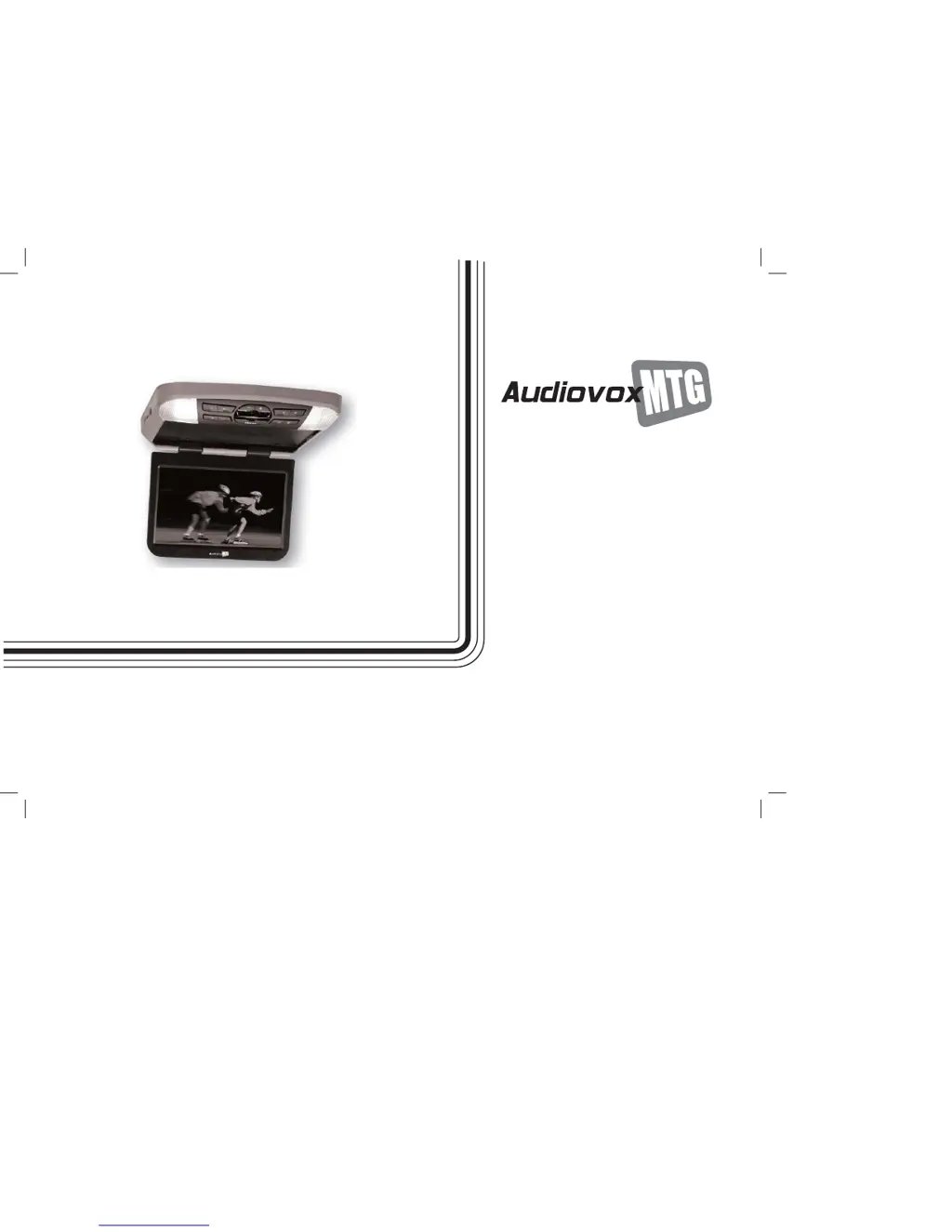
10-Inch Roof-Mount DVD Player
With DVD/CD/MP3 SYSTEM
AVXMTG10U
OPERATION
MANUAL

Other manuals for Audiovox AVXMTG10U

Questions and Answers

Summary

Important Notices and Warnings

Safety Warnings for Monitor Use

Critical warnings for safe operation, cleaning, and power handling.

Passenger Safety Precautions

Guidelines for safe operation and passenger safety during media playback.

Product Introduction and Features

Key Features of the DVD Player

Lists the main features of the 10-inch roof-mount DVD player system.

Controls and Indicators Diagram

Front View Controls and Indicators

Identifies and describes buttons and indicators on the front of the unit.

Side and Back View Ports

Details ports and sensors located on the side and back of the unit.

Remote Control Operation Guide

Remote Control Battery Installation

Step-by-step instructions for installing the remote control battery.

Remote Control Button Functions

Explains the purpose and operation of each button on the remote control.

DVD Basics and Disc Playback

DVD Region Code Explained

Explains the DVD player's region code and disc compatibility requirements.

Supported Disc Types

Lists the types of discs the system can play, including DVD, Audio CD, and MP3.

Disc Compatibility Limitations

Lists discs that cannot be played by the system, like MiniDisc or Laserdisc.

Loading and Playing Discs

System Settings and Adjustments

Navigating Setup Menu Options

Guides on accessing and navigating the DVD player's setup menus.

General Setup Menu Options

Details settings for TV display, angle mark, TV type, and screen saver.

OSD Language and Last Memory Feature

Covers setting OSD language and the last memory feature for playback continuity.

Password Protection Setup

Instructions for setting and changing a four-digit password for parental controls.

Preference Settings for Audio, Subtitle, Menu

Options for preferred audio, subtitle, and disc menu languages.

Parental Control and Factory Defaults

Explains parental control ratings and resetting to factory defaults.

Playing JPG Image Files

Playing MP3 Audio Files

Source Input Features

Overhead Dome Lights and Sensors

Infrared Remote Sensor Operation

Describes how the infrared sensors work with the remote control for operation.

Troubleshooting Common Issues

Technical Specifications

12 Month Limited Warranty

Summary

Important Notices and Warnings

Safety Warnings for Monitor Use

Critical warnings for safe operation, cleaning, and power handling.

Passenger Safety Precautions

Guidelines for safe operation and passenger safety during media playback.

Product Introduction and Features

Key Features of the DVD Player

Lists the main features of the 10-inch roof-mount DVD player system.

Controls and Indicators Diagram

Front View Controls and Indicators

Identifies and describes buttons and indicators on the front of the unit.

Side and Back View Ports

Details ports and sensors located on the side and back of the unit.

Remote Control Operation Guide

Remote Control Battery Installation

Step-by-step instructions for installing the remote control battery.

Remote Control Button Functions

Explains the purpose and operation of each button on the remote control.

DVD Basics and Disc Playback

DVD Region Code Explained

Explains the DVD player's region code and disc compatibility requirements.

Supported Disc Types

Lists the types of discs the system can play, including DVD, Audio CD, and MP3.

Disc Compatibility Limitations

Lists discs that cannot be played by the system, like MiniDisc or Laserdisc.

Loading and Playing Discs

System Settings and Adjustments

Navigating Setup Menu Options

Guides on accessing and navigating the DVD player's setup menus.

General Setup Menu Options

Details settings for TV display, angle mark, TV type, and screen saver.

OSD Language and Last Memory Feature

Covers setting OSD language and the last memory feature for playback continuity.

Password Protection Setup

Instructions for setting and changing a four-digit password for parental controls.

Preference Settings for Audio, Subtitle, Menu

Options for preferred audio, subtitle, and disc menu languages.

Parental Control and Factory Defaults

Explains parental control ratings and resetting to factory defaults.

Playing JPG Image Files

Playing MP3 Audio Files

Source Input Features

Overhead Dome Lights and Sensors

Infrared Remote Sensor Operation

Describes how the infrared sensors work with the remote control for operation.

Troubleshooting Common Issues

Technical Specifications

12 Month Limited Warranty

Audiovox AVXMTG10U Specifications

General IconGeneral
BrandAudiovox
ModelAVXMTG10U
CategoryCar Video System
LanguageEnglish

Related product manuals