- 8 -
Repeat Current Track
• Press the MEM.UP/ button until “ ” blinks on the display. The current track will be played repeatedly.
Repeat the Entire CD
• Press the MEM.UP/ button until “ ” stops blinking and remains on. All tracks will be played
repeatedly.
Cancel Playback Mode
• Press the MEM.UP/ button until repeat indicator disappears.
All tracks on the disc can be played in random order (Using the remote control only).
Random Playback
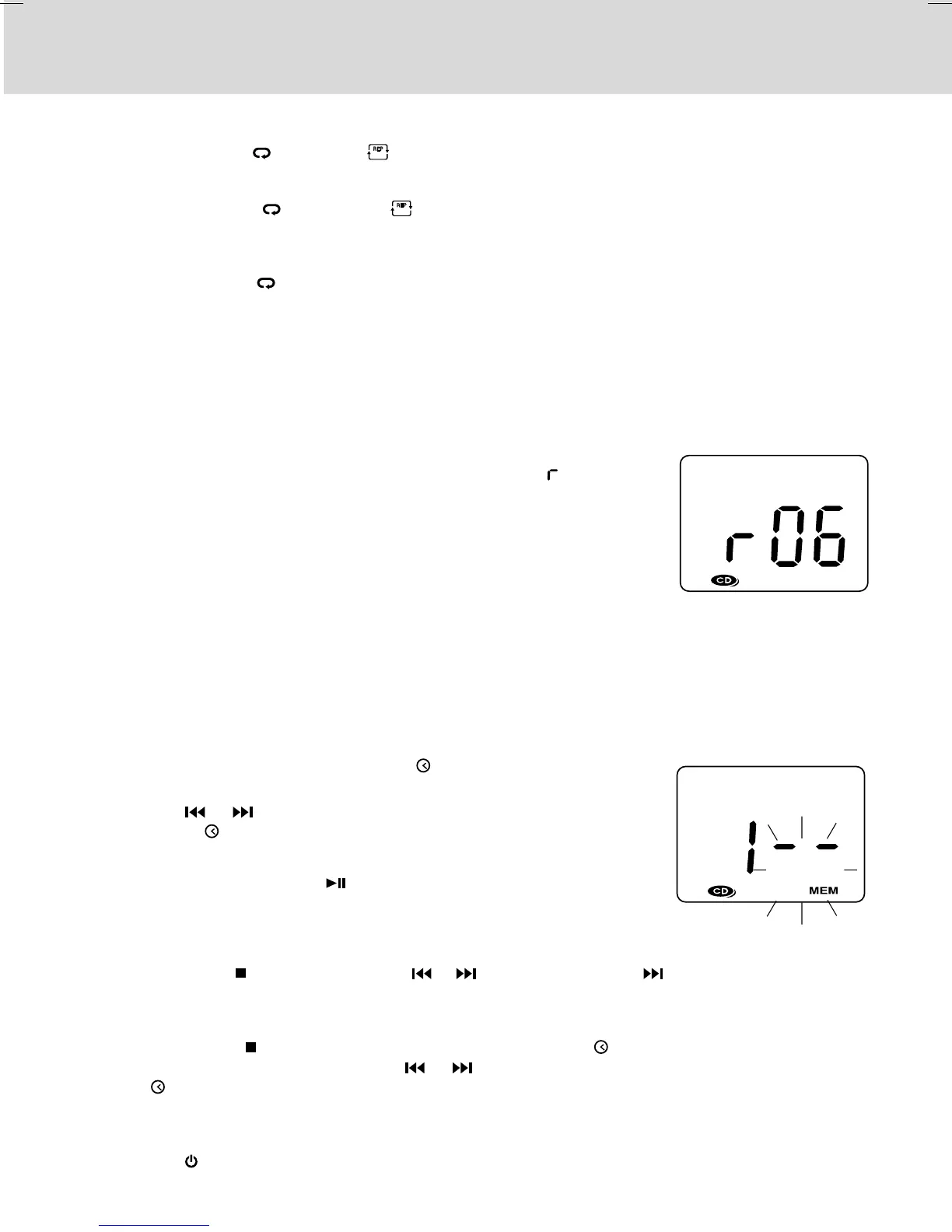
• Press the RANDOM button on the remote control and “ ” will be
shown on the display. All tracks will be played randomly.
After all tracks have played, the unit will stop automatically.
Cancel Random Playback
• Press the RANDOM button on the remote control again during
RANDOM playback to return to normal playback.
RANDOM PLAYBACK
REPEAT PLAYBACK
PROGRAMMABLE CD PLAYBACK
A program of up to 20 tracks can be set to play in a preset order.
1. In CD stop mode, press the PROG/MEM/ button and “MEM” & "- -"
will blink on the display.
2. Press the or button to select the desired track then press the
PROG/MEM/ button to store the track in memory.
3. To add additional tracks, repeat step 2 (up to 20 tracks).
4. To start playback, press the PLAY/PAUSE button.
To Check the Program:
• Press the BAND/ STOP button and the or button. Each time the button is pressed, the track
number appears on the display.
To Change the Programmed Tracks during Program Playback:
• Press the BAND/ STOP button and press the PROG/MEM/ button repeatedly to search the
program number, then press either the or button to select the desired track. Press the PROG/
MEM/ button again to register the newly selected track into program.
To Erase the Whole Program, Do One of the Following:
• Press the FUNCTION button to change to radio/iPod mode.
• Press the STANDBY/ON button to turn off the unit.



 To Next Page