- 14 -
COMPACT DISC OPERATION
2.Hold the SHIFT and press the
numbered buttons 1-5 to select
which disc for playback.
PROGRAM PLAY
You can play back the tracks on the CDs in the disc 1-5 positions in any order desired. By specifying the disc
numbers from 1 to 5 and the tracks numbers from 1 to 99. A program of up to 32 tracks from all the available
discs in the disc tray can be played in a preset order.
In stop mode
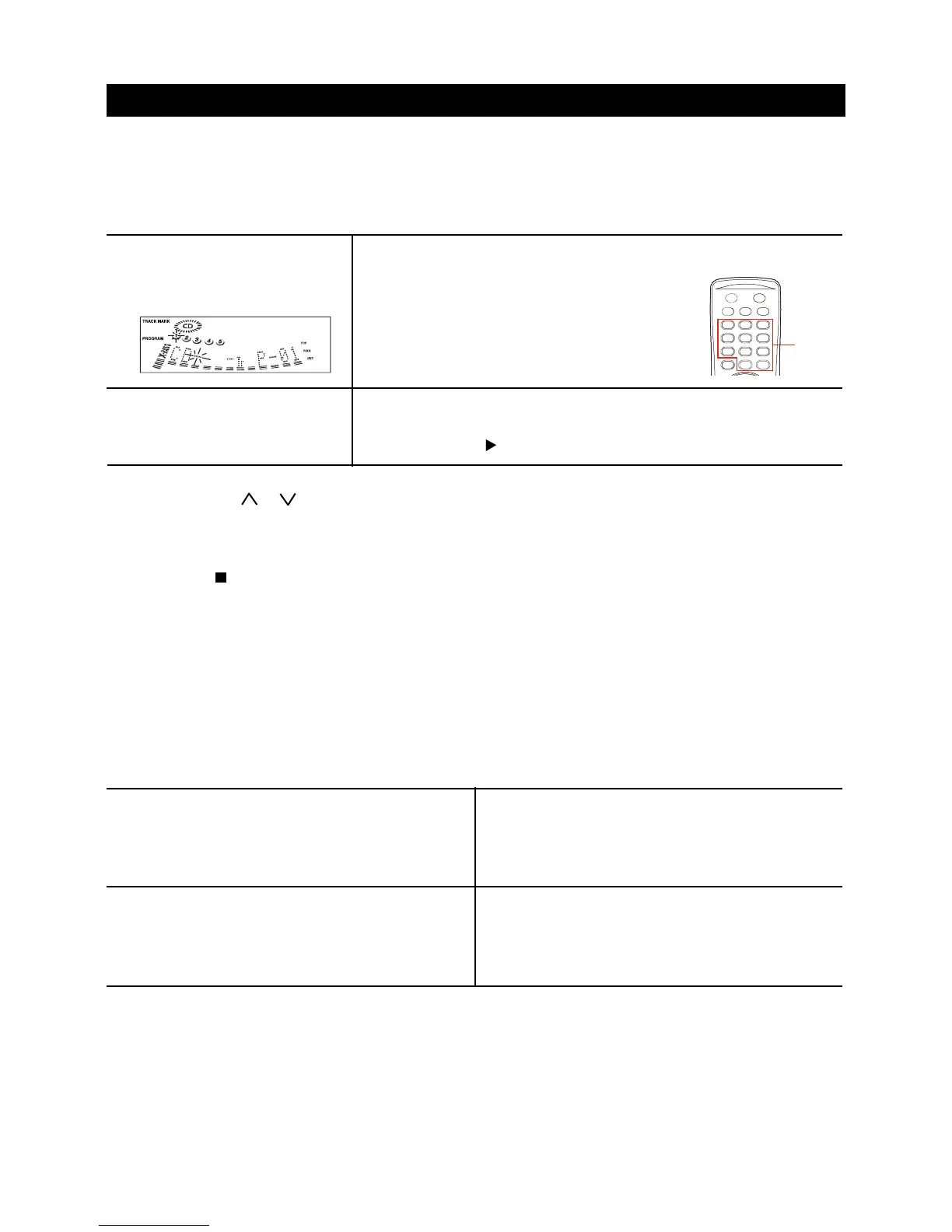
1.Press the PROGRAM (remote
only) button. PROGRAM
appears on the display.
3.Press the numbered buttons and the +10 button to program a track.
Example:
To select the 12
th
track, press the +10 and 2
buttons.
To select the 20
th
track, press the +10 and +10
and 0 buttons.
4.Repeat steps 2 and 3 to program other tracks.
5.Press the PLAY button to start play.
REPEAT PLAY
A single track, a disc or all discs can be played back repeatedly
Repeating the current track
While a track you want to repeat is playing in normal
play, press the REPEAT button until REPEAT 1
appears on the display window.
Repeating all tracks of a disc
While all tracks of a disc you want to repeat is playing
in normal play, press the REPEAT button repeatedly
until REPEAT 1 DISC appears on the display window.
Repeating all discs
While all discs you want to repeat is playing in normal
play, press the REPEAT button repeatedly until
REPEAT ALL appears on the display window.
To cancel repeat play
Press the REPEAT button several times until REPEAT
1, REPEAT 1 DISC or REPEAT ALL disappears on
the display window.
To check the program
Each time the SKIP or button is pressed in program mode, a track number and program number will
be displayed.
To clear the program
Press the STOP button twice in program mode.
To add tracks to the program
Before playing, repeat steps 2 and 3. The track will be programmed after the last track.
To change the programmed tracks
Clear the program and repeat all the steps again.
NUMBERED
BUTTONS



 To Next Page