8
G. Setup
Press ‘SETUP’ to display the Main screen of the Setup Menu on the
screen. Press ‘SETUP’ again to exit the Setup Menu and the unit will
resume it’s last playback mode.
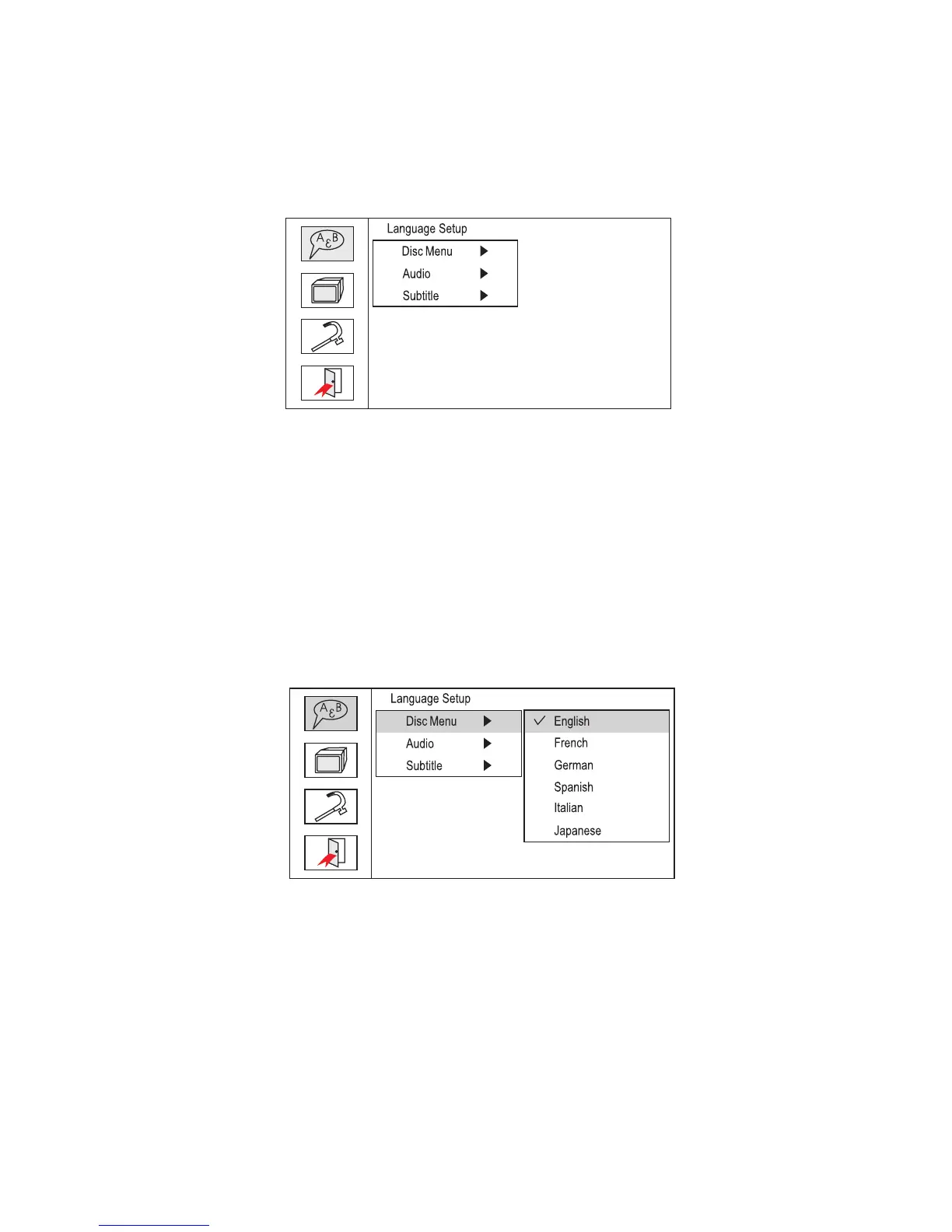
Main Setup Menu Screen
1) Press “SETUP”, the ‘Language Setup Page’ will be displayed on
the screen.
a). Press ENTER and select ‘Disc Menu’ using the UP/DOWN
button, and then press RIGHT to enter the submenu. Select the
desired Menu Language using UP/DOWN, and press ENTER to
confirm the setting. Press LEFT to return.
Disc Menu Language Screen Display


 To Next Page