9
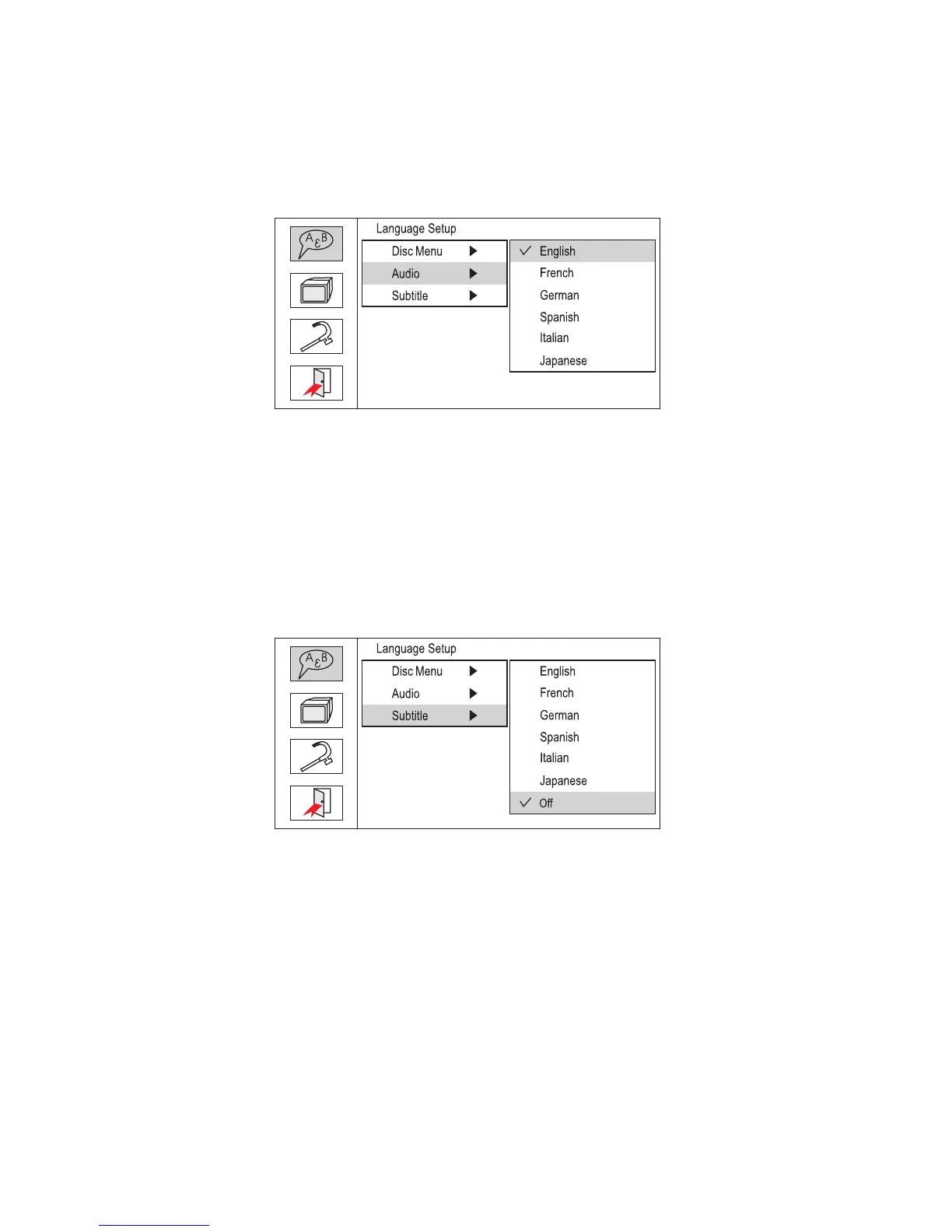
b).Select ‘Audio’ using the UP/DOWN button, and then press the RIGHT
button to enter the submenu. Choose the Audio Language you de-
sire using the UP/DOWN button and then press ENTER to confirm
the setting. Press the LEFT button to return.
Audio Language Screen Display
c).Select ‘Subtitle’ using the UP/DOWN buttton, and then press the
RIGHT button to enter the submenu. Choose the Subtitle Language
you desire using the UP/DOWN button and then press ENTER to
confirm the setting. Press the LEFT button to return.
Subtitle Language Screen Display



 To Next Page