48
PD-200
If your selected audio language is not available for the
disc currently played, the player will automatically pro-
vide audio in the disc’s default language.
DVD
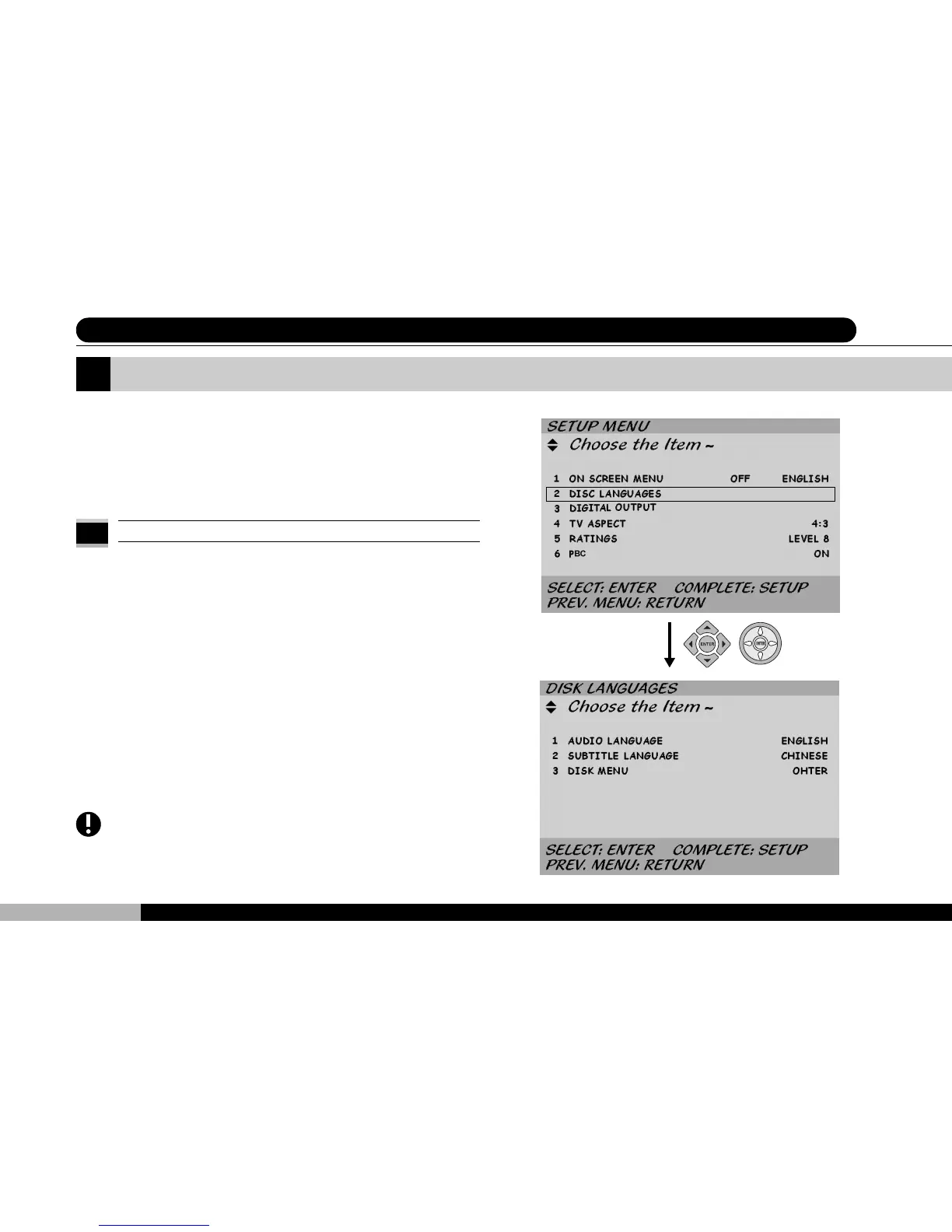
The second of the six sections in the Setup Menu is en-
titled DISC LANGUAGES. Use the up or down cursor to
scroll to this section and press ENTER to enter this
screen.
Select Disc Languages
7 System Setup (II) - Select Disc Languages
1 AUDIO LANGUAGE:
Scroll up or down to the AUDIO LANGUAGE selection,
then press ENTER. Selecting Français, English, or
ORIGINAL will give that language priority when playing
a disc with language options. Also, you may enter a lan-
guage code to make that language the audio language
default choice. Once set, please press RETURN to se-
lect and return to the immediately preceding menu level.
Press SETUP to exit from the setup menu altogether.
ENTER



 To Next Page