64
PD-200
Changing Settings while in Play (Part III: for CD):
31 2
01 1510
4
RND
2
1
3
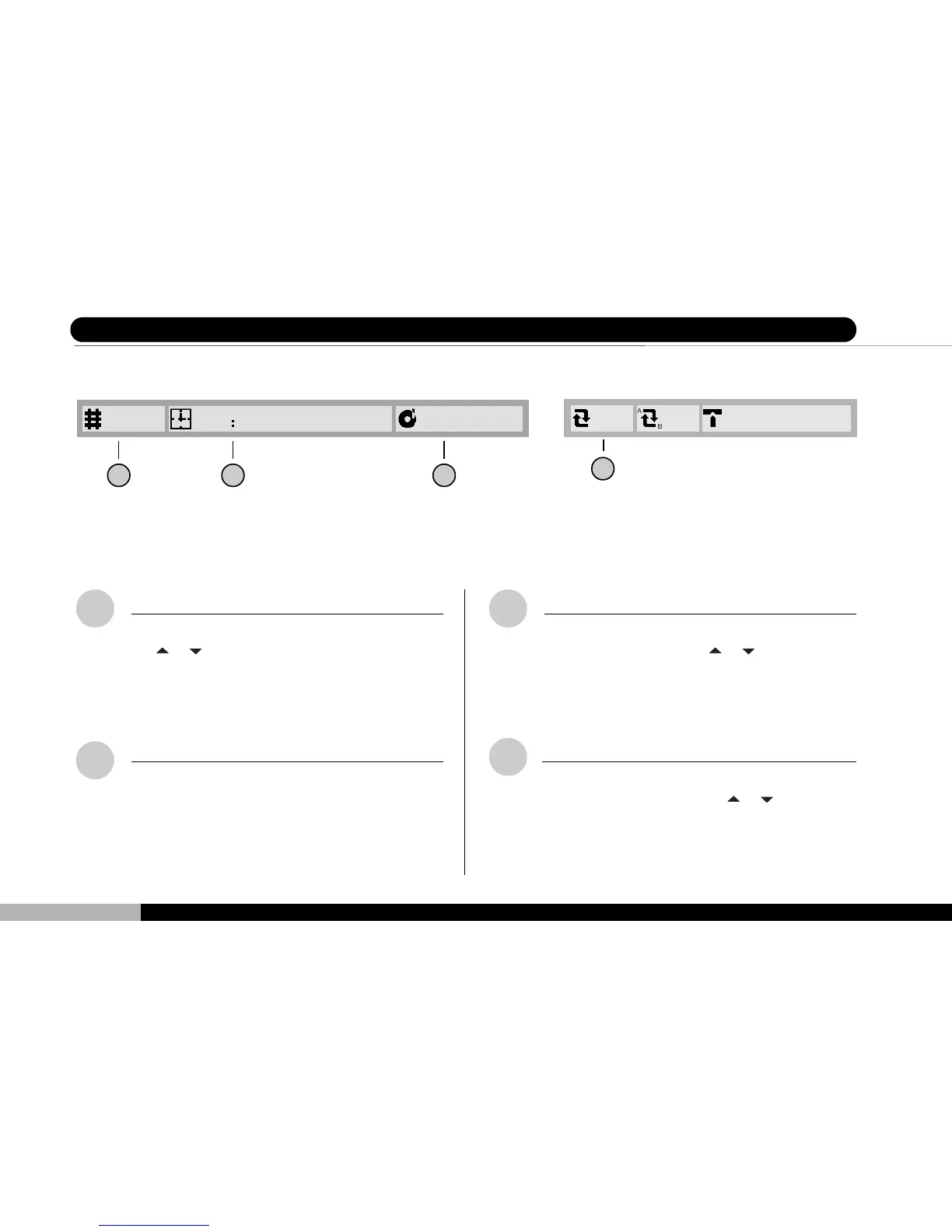
TRACK Symbol
This field displays the current play track. Press
the
or keys to skip to a desired track, then
press ENTER.
Play Time Symbol
This field displays the play time of the current
CD program in the format [minutes, seconds].
This field can not be altered.
PROGRAM Symbol
This field displays whether a programmed play
has been set. Press the
or keys to enable
or disable programmed play. Please refer to page
66 for further information regarding programming.
ON 1ON 4325
4
REPEAT Symbol
This field displays the current repeat preference
for this CD play. Press the
or keys on the
player or remote control to select between cur-
rent chapter (song) or full disc repeat.
8 Changing Setting While in Play - CD



 To Next Page