75
PD-200
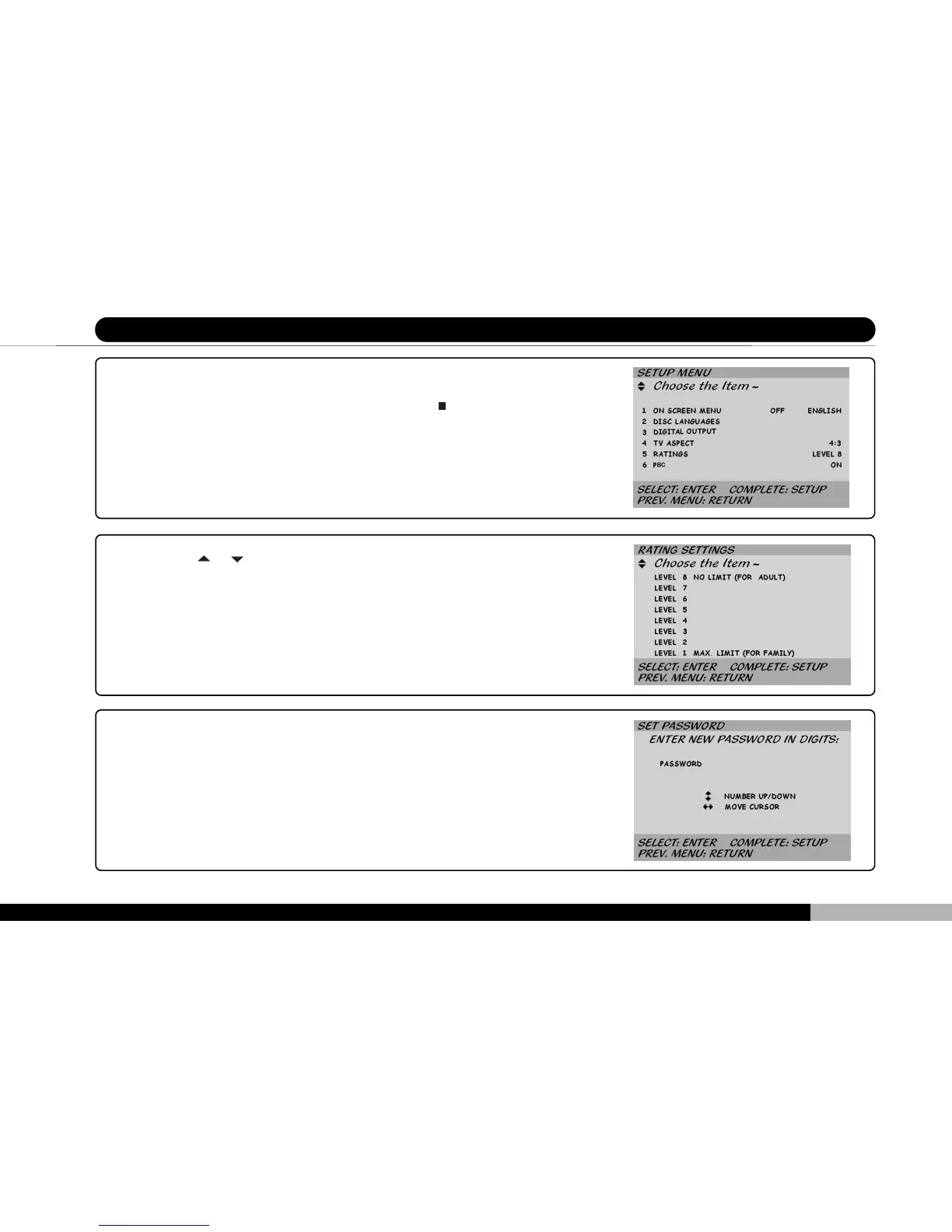
11 Setting the Password and Rating
1. Turn player power on. If a disc is already installed in the player, it will auto-
matically begin play. Please press the STOP (
) button.
2. Once the disc has stopped, press the SETUP button on the player or re-
mote control. The menu screen should appear.
3. Press the
or keys to move the cursor over the RATINGS field.
4. The cursor will initially be on Rating 8 (i.e., no viewing restriction). On rating
8 all DVDs can be viewed on the player, including those that may not be
suitable for children and minors.
5. Press ENTER once more to switch to the password screen.



 To Next Page