2.8 Video
of
Incident (from Emergency Recording Triggered by G-sensor)
By
default, if an event happens, such as sudden impact, high-speed driving, an hard turn
or
an accident
or
crash, the G-sensor will trigger the DVR to start an Emergency Recording automatically if the Event
Detection mode is ON.
The
video for before and after 10 seconds from the moment of the event will be
saved and protected. The memory becomes full it will record over the oldest file first.
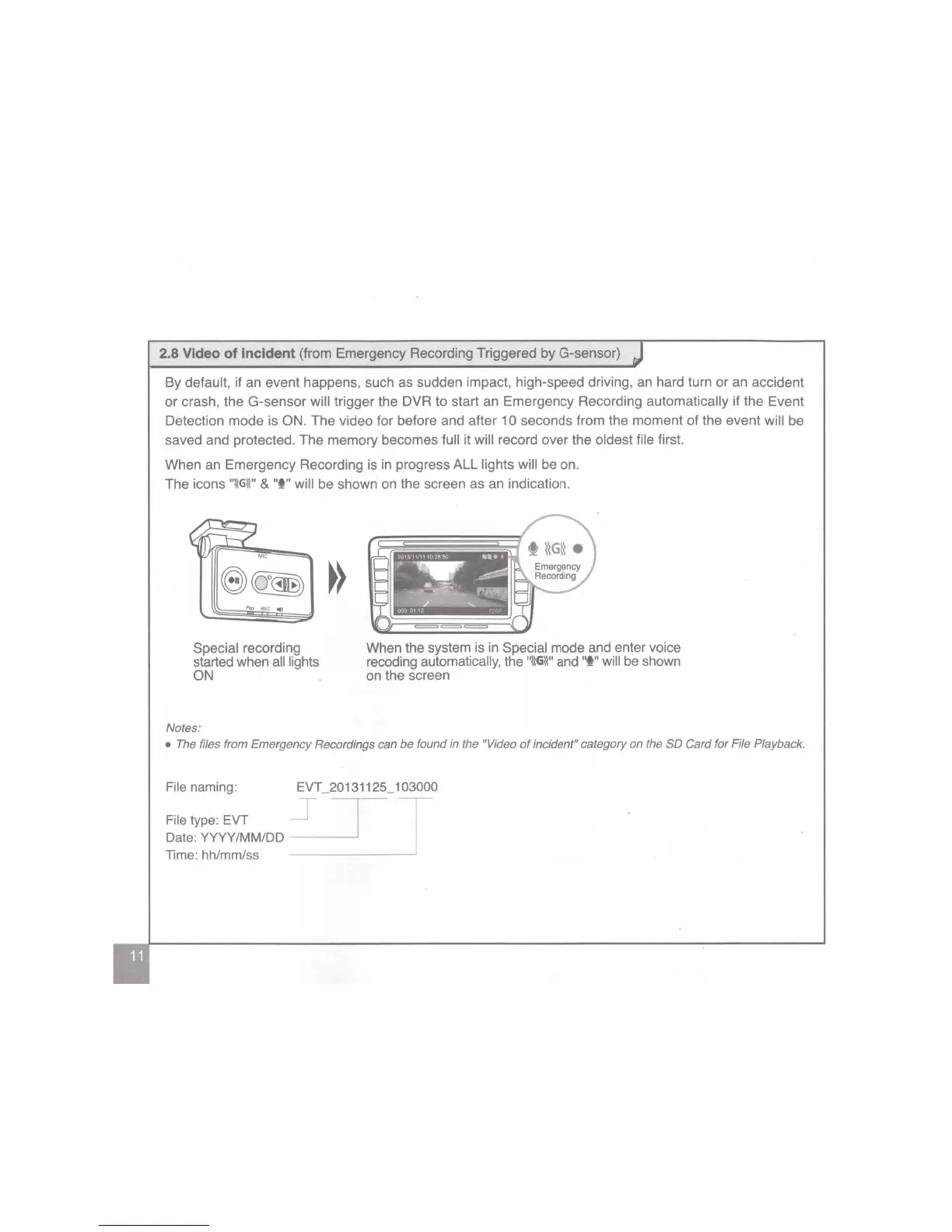
When an Emergency Recording is in progress ALL lights will be on.
The icons
"\\G\\"
&
"I"
will be shown on the screen as an indication.
REC
._.
Special recording
started when all lights
ON
Notes:
When the system is in Special mode and enter voice
recoding automatically, the
"l\G\\"
and
'lf"
will be shown
on the screen
• The files from Emergency Recordings can
be
found in the "Video
of
incident" category on the SO Card for File Playback.
File naming: EVT _20131125_1 03000
File type: EVT
Date: YYYY/MM/DD
Time: hh/mm/ss
~-1
_j


 To Next Page
 Loading...