1.5
Screen Status Icons
J
No.
Icon
Name
1
mmJ
Recording
Time
2
l==r
Date
&
Time
Stamped
3
mnl
Recording
Resolution
t
Voice
4
Recording
5
•
Loop
Recording
6
~~G~~
Emergency
Recording
7
A
Special
Recording
8
lc
Invalid
Card
Description
Duration of
recording
The recording
date
& time
720p (1280x720)/
VGA
(640x480)
Press
play
button
enter Voice
recording
Mute recording
When
an
impact
event happened, it
will
show on the
screen
automatically
Press
~
button
to
start
the
special
recording
manually
when it
is
in
recording mode.
DVR will
check the
Micro
SD
card when
it
is
powered
ON
every time
2. Basic Operations
2.1
Memory
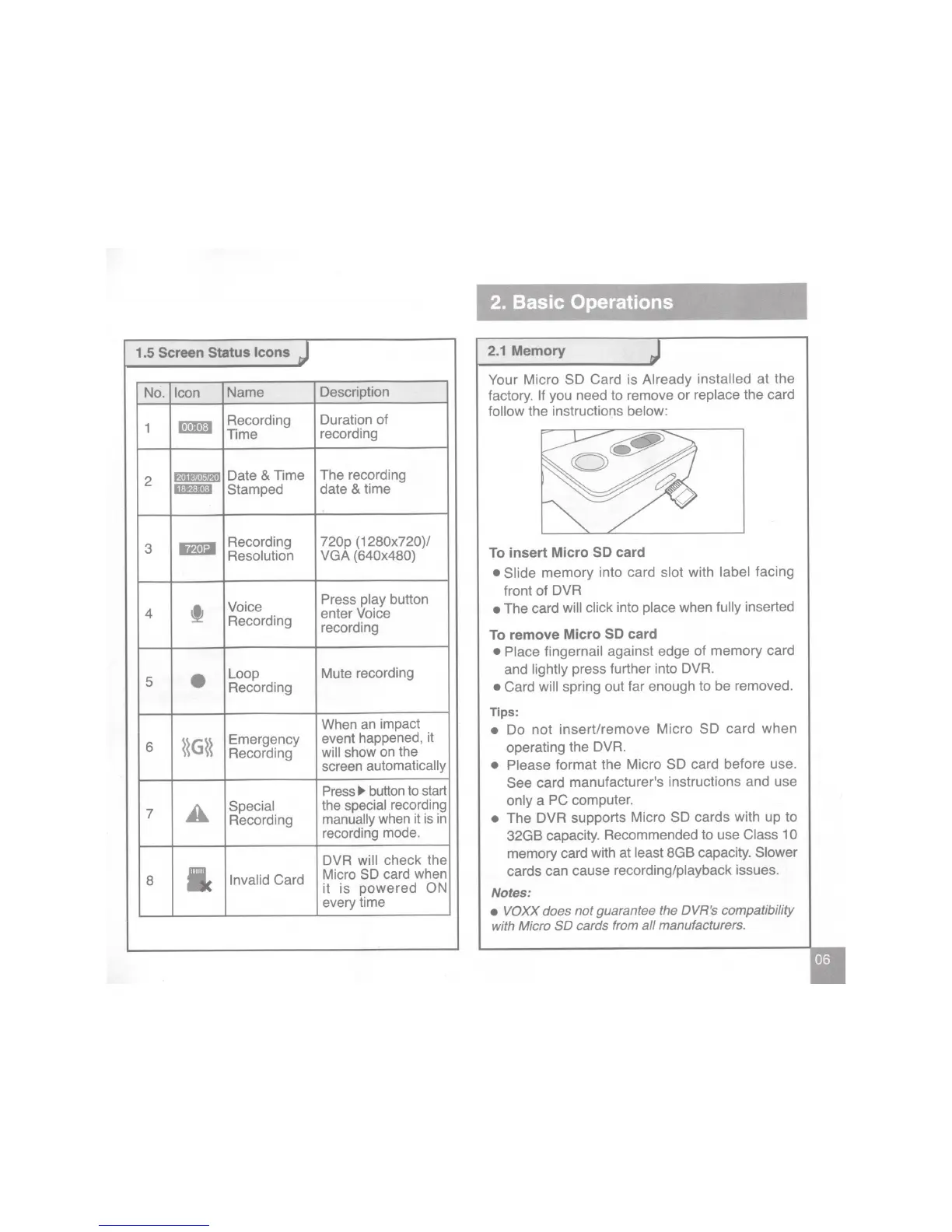
Your Micro SD Card is Already
installed at the
factory.
If
you need to remove or replace the card
follow
the instructions below:
To insert Micro
SD
card
• Slide
memory into card
slot
with
label facing
front of
DVR
•
The card
will click into
place
when
fully
inserted
To remove Micro
SD
card
• Place fingernail against edge
of
memory card
and
lightly
press further into
DVR.
• Card
will spring out far enough to be removed.
Tips:
•
Do
not
insert/remove Micro SD
card
when
operating the
DVR.
• Please
format the Micro SD card before use.
See card
manufacturer
1
S
instructions and use
only
a PC computer.
•
The
DVR
supports Micro SD cards with up
to
32GB capacity. Recommended to use
Class 10
memory card with at
least
8GB capacity.
Slower
cards can cause recording/playback issues.
Notes:
•
VOXX does
not
guarantee the DVR's compatibility
with Micro
SO
cards from
all
manufacturers.


 To Next Page
 Loading...