- 21 -
TV Function
Treble Setup
Press the ▲▼button to select Treble and press the ◄► button to adjust the level. Press the MENU
button to return to the previous menu.
Balance Setup
Press the ▲▼ button to select Balance and press the ◄► button to adjust the level. Press the
MENU button to return to the previous menu.
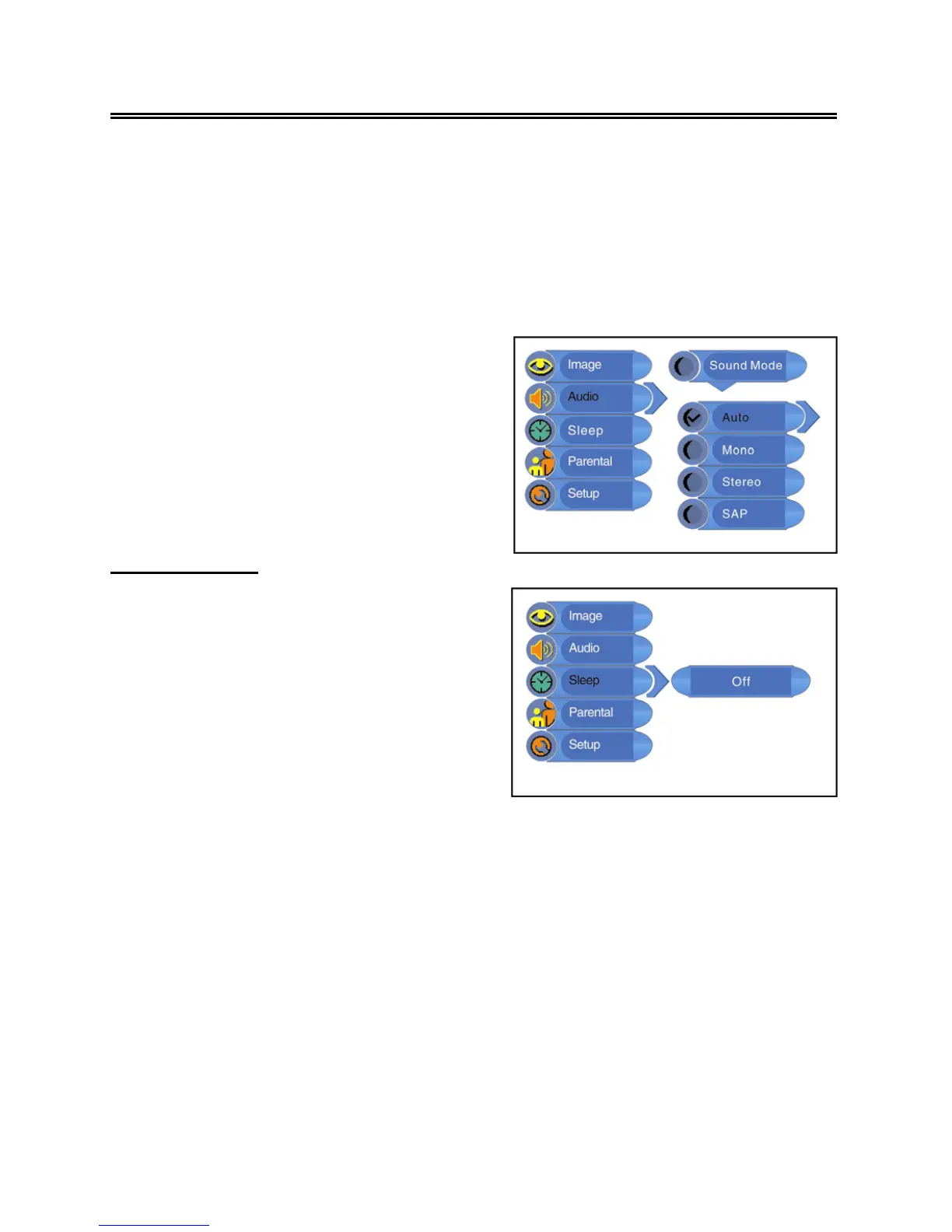
Sleep Setting
Press the MENU button to enter the setup
menu. Press the ▲▼ button to select Sleep
and press the ENTER button to enter the menu
shown on the right.
In the Sleep setup menu, press the▲▼ button
to select 15Min, 30Min, 45Min, 60Min, 75Min,
90Min, 105Min, 120Min or Off. Press the MENU
button to return to the previous menu
MTS Setup
Press the ▲▼ button to select MTS and press
the ENTER button to enter. Press the ▲▼
button to select the desired item and then
press the ENTER button to confirm you



 To Next Page