128-6168A
6 of 8
33
33
3
33
33
3
5
Figure 5
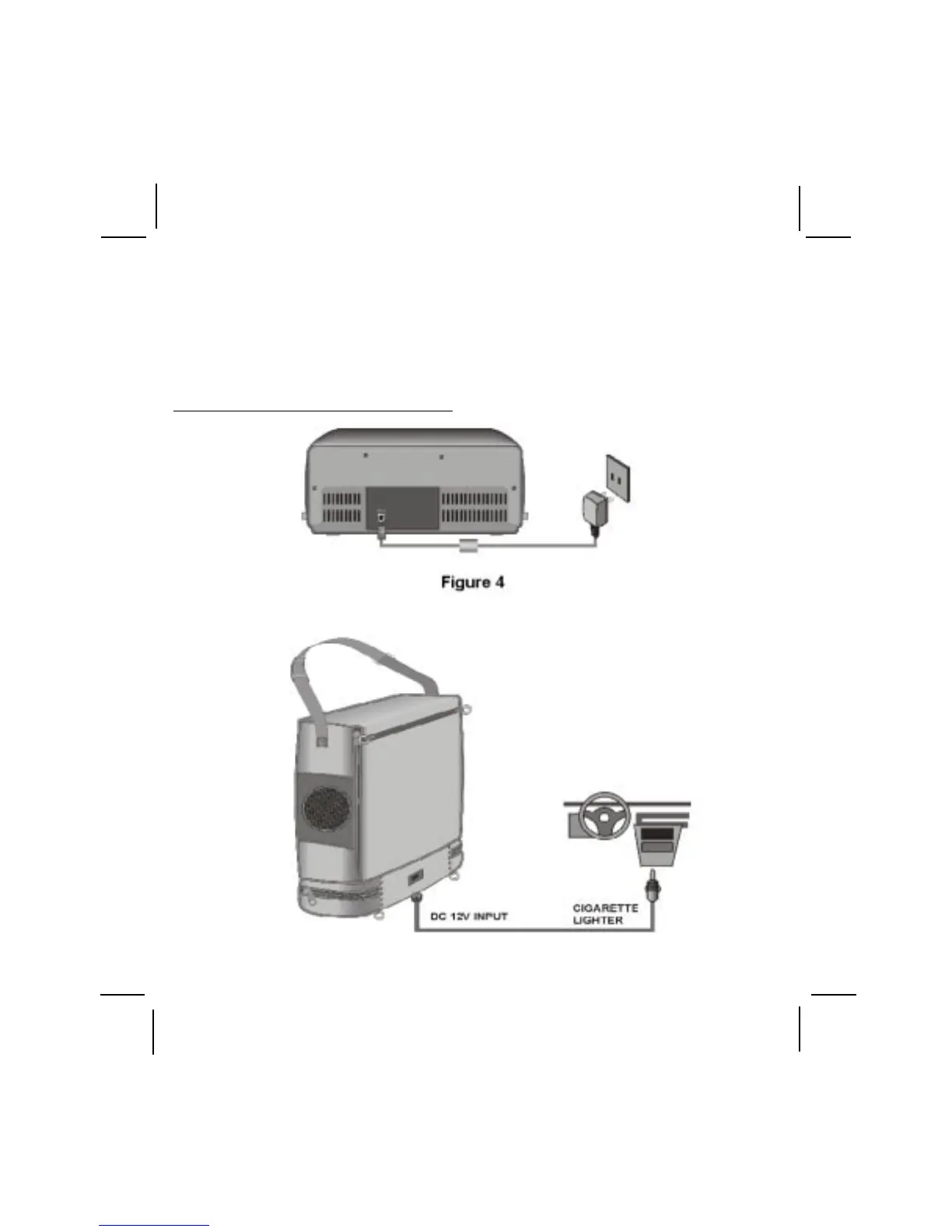
Video Cassette Player Rear Panel (Refer to Figure 4)
F. Wired Headphones
Optional wired headphones may be used with the "Video In a Bag" System. There
are two headphone jacks, #1 and #2 located on the front panel of the Video Cassette
Player, one on each side. If you plug in the headset to jack #2, both internal
speakers will be turned off. Using jack #1 will leave the two internal Video Cassette
Player speakers on.



 To Next Page