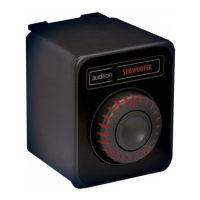
⁃ Enable/Disable Final Tuning
⁃ Sub group Volume
The user can assign a LED color to each of these functions.
WARNING:at every change of the programmable functions, press theFinalizebutton to save
the new settings into the DRC AC.
4. DRC AC FIRMWARE UPDATE
The download of the latest firmware release is always available in the DRC ACproduct webpageand in
theSupportpage of the Audison website.
In order to update the DRC AC firmware the user must do the following steps:
1.Close thebit Drivesoftware
2.Connect the AF bit to the PC with USB
3.Connect the DRC AC to the AF bit
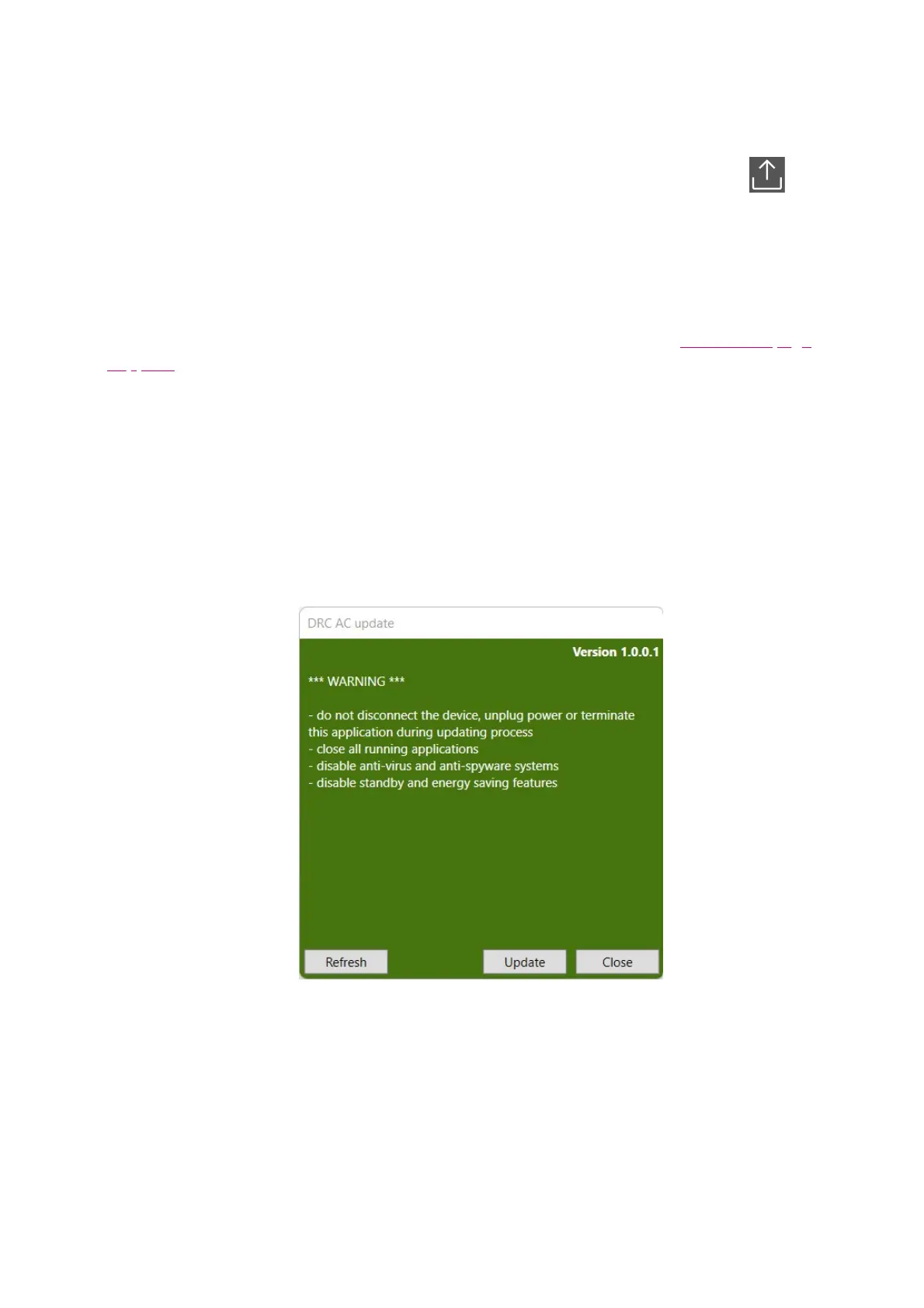
4.open the folderDRCCUpdate (vx.x.x.x), right-click on the fileexeand select “Run as administrator”.
The following window will appear.
5.If the device is not detected, try to click onRefresh.
6.Click onUpdateand wait until the process is completed.



 To Next Page