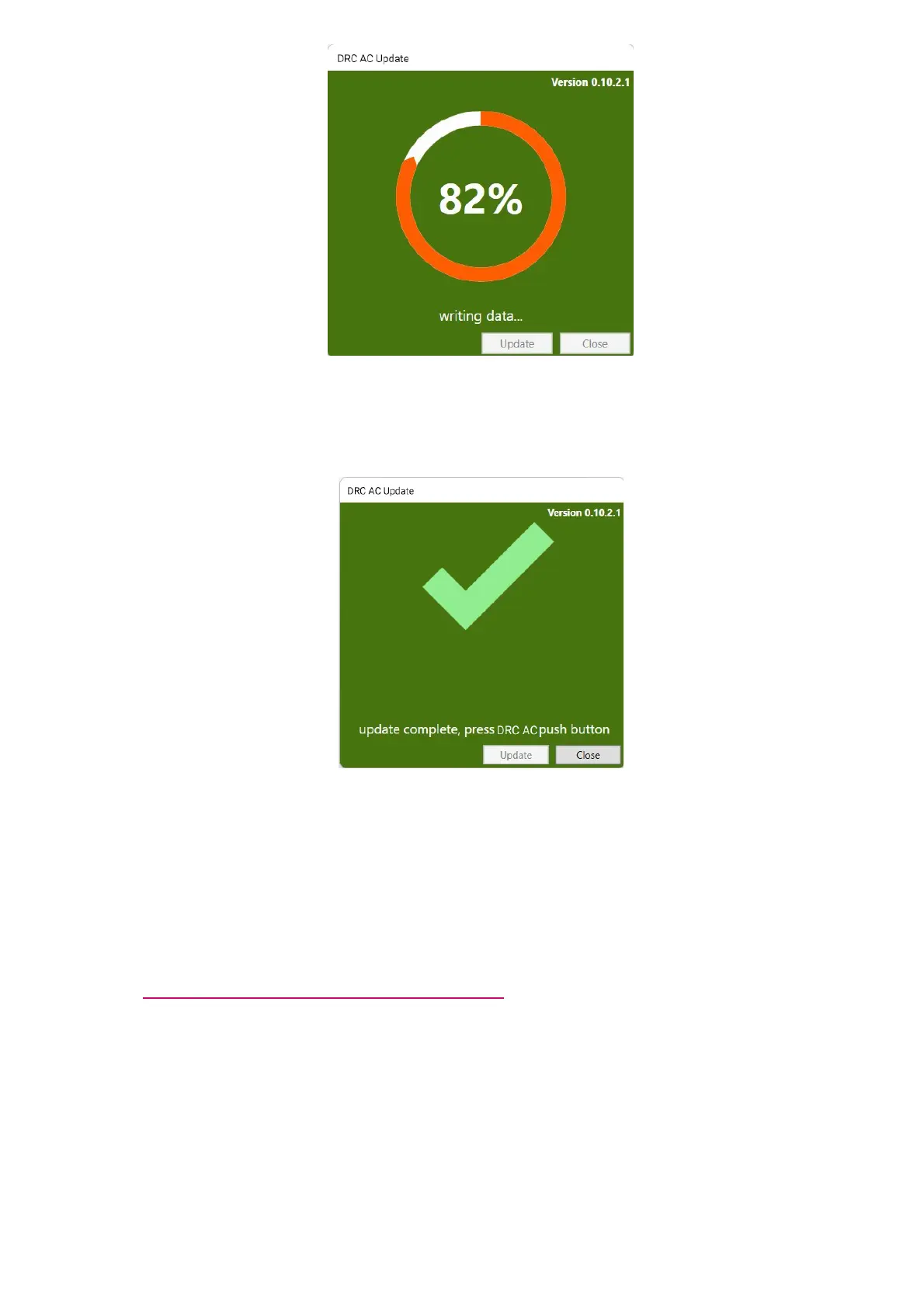
IMPORTANT:pay attention to non disconnect the DRC AC from the amplifier and to not disconnect
the amplifier from the PC during the upgrade. This could lead to malfunctionings or a break.
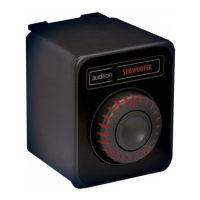
7.at the end of the upgrade the following message will show up.
The DRC AC will have all the LEDs active and green.
8.Press for 2 seconds the DRC AC to turn it off (in this case the amplifier will stay on)
9.Press the DRC AC to turn it back on. The device is now ready and updated.
IMPORTANT:the firmware update erases all previous settings of the device and restores it back to the
factory settings. To program again the DRC AC, run the bit Drive software and follows the steps shown
at point3. PROGRAMMABLE FUNCTIONS ON BIT DRIVE.



 To Previous Page