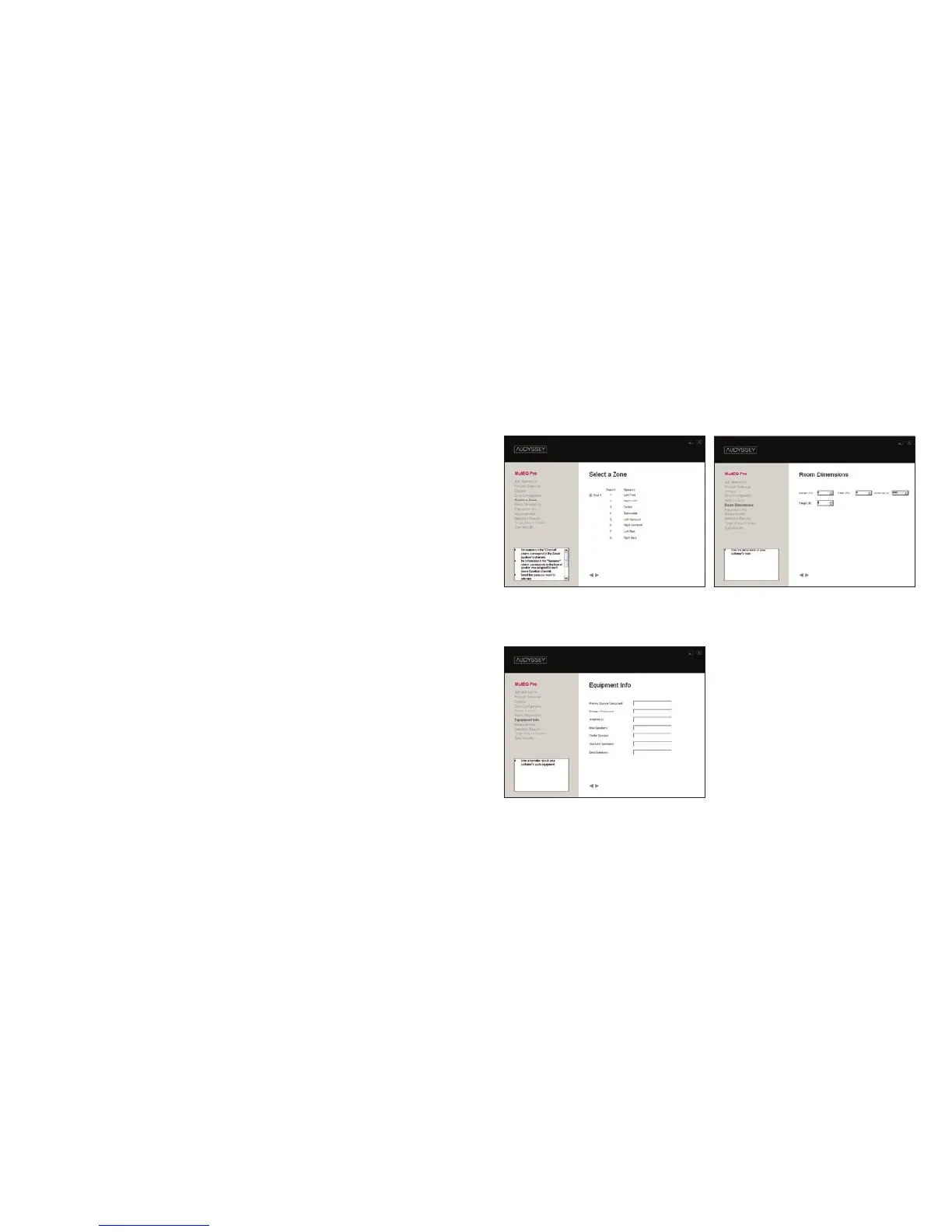
STEP 5
Select a zone and enter information about the particular
zone you are calibrating.
1 Select a Zone
Choose which zone to calibrate. To calibrate remaining zones
(if any) you must return to this screen by clicking the back
arrow button.
2 Room Dimensions
Select the dimensions of the zone you are calibrating. This infor-
mation is uploaded to the Audyssey Installer Web Site in Step
16. It can also be used to help select the most appropriate target
sound option in Step 11.
3 Equipment Info
Input information about the audio equipment installed in the
zone. Create future sales opportunities by telling your customer
their system will need another MultEQ Pro calibration if any of
their equipment changes.
Screen 1 Screen 2
Screen
3



 To Next Page