STEP 9
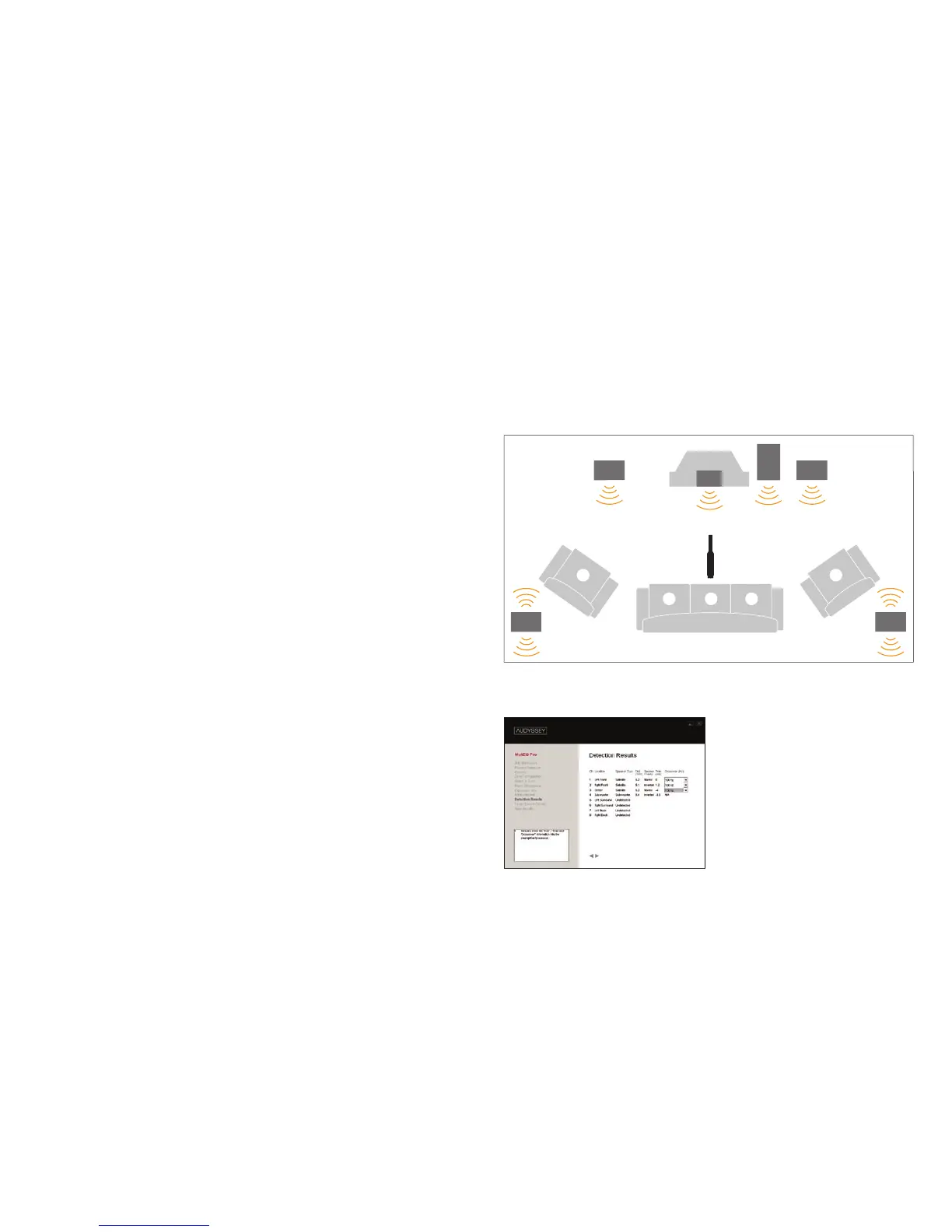
(A) Begin room measurements on the Measurement screen by
placing the microphone at ear level at position 1 (the primary
position).
Measure at position 1
Audyssey’s test signals play through each channel. Time and fre-
quency response is recorded. The absolute polarity, level (within half
a dB) and delay (within half an inch) of each speaker are calculated.
Measure at more positions
Record time and frequency response at other positions. A minimum of
6-8 position measurements are recommended for average-size rooms
(32 positions maximum). The most appropriate subwoofer crossover
frequency for each speaker is also calculated.
STEP 10
Review the Detection Results screen (B) and manually enter the
Distance, Level and Crossover information into the preampli-
fier/processor.
Detection Results
This screen displays the speaker Distance, Level and Polarity results
derived from your Position 1 measurement and the Crossover rec-
ommendations derived from all of your measurements.
Note: Your preamplifier/processor may not list individual distance,
level and crossover settings for each speaker. See the Installation
Manual for detailed instructions.
B
23 1
A
54



 To Next Page