4. Part Names and Functions
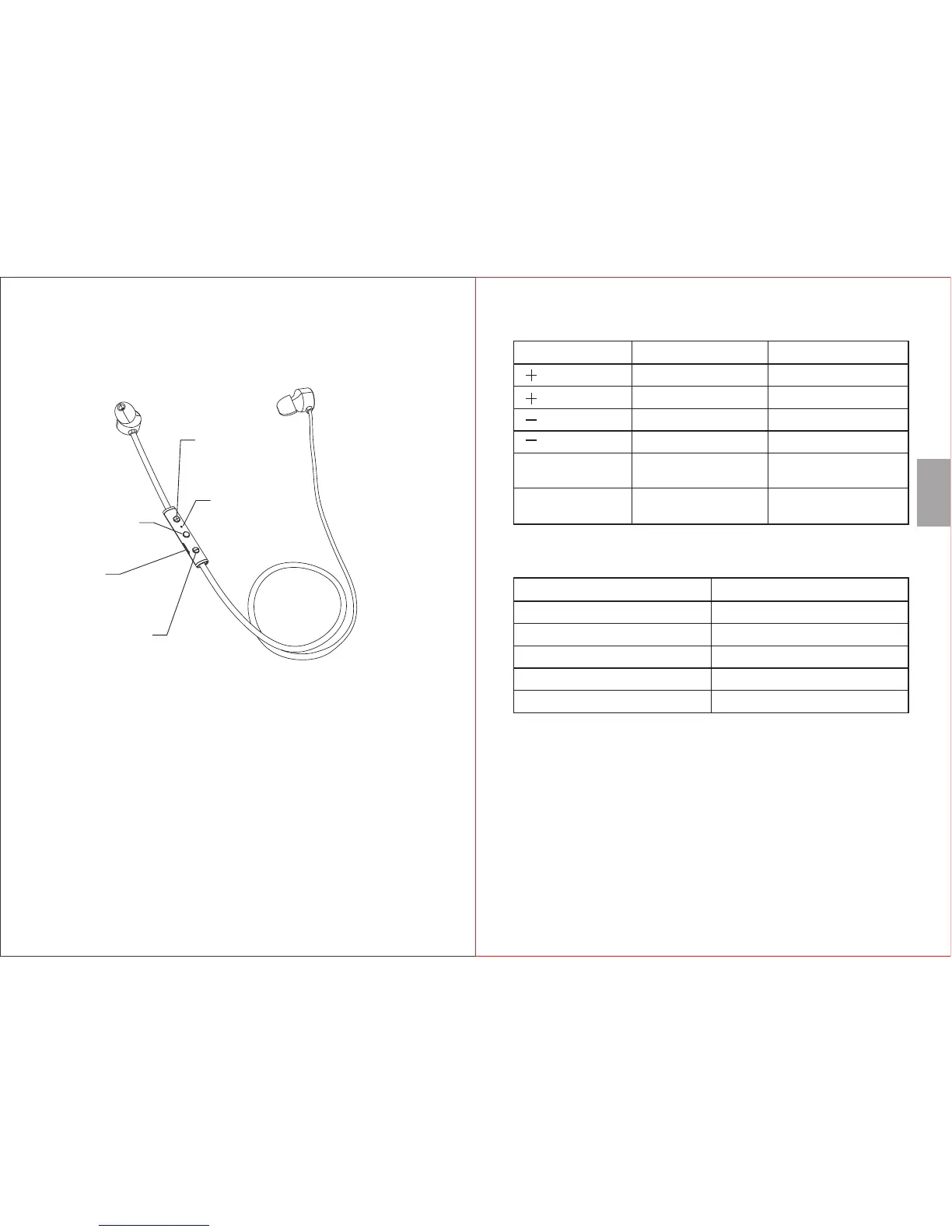
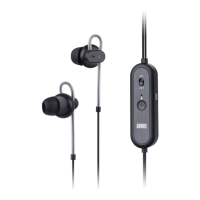
4.1 Device Layout
1. Power / Play / Pause / Answer
2. Status LED / Microphone
3. Next Track / Volume Up
4. Previous Track / Volume Down
5. Charging Socket
1
5
4
3
4.2 Remote Control
Button Operation
Press
Press and hold
Press
Press and hold
Function
Previous Track
Volume Up
Next Track
Volume Down
Power
Power
Press
Press and hold
Play / Pause;
Pick up / Hang up a call
Power on / Power off;
Reject an incoming call
4.3 Status LED Meaning
Indication LED Status
Flashing Red and Blue
Blue
Flashing Red
Red
Blue
Pairing
PairedFlashing
Low Battery
Charging
Fully Charged
5. Operation
5.1 Power
Please fully charge the EP616 before the first use or if left
unused for a long period of time. To charge, use the power
cable to connect the earphones to a powered USB port.
The status LED will light red while charging and will turn to
blue once fully charged. Ensure that the output voltage from
the USB port or the charger is 5V.
- 4 -
- 3 -
2
English



 To Next Page