5. Operations
5.1 Switch On / Off
To switch on the device, press and hold the MFB button for 2
seconds until there is a warning beep. The status LED momentarily
lights red after switching on.
To switch off the device, press and hold the MFB button for 3
seconds to switch off the device until there is a warning beep.
The status LED will fade up then fade down.
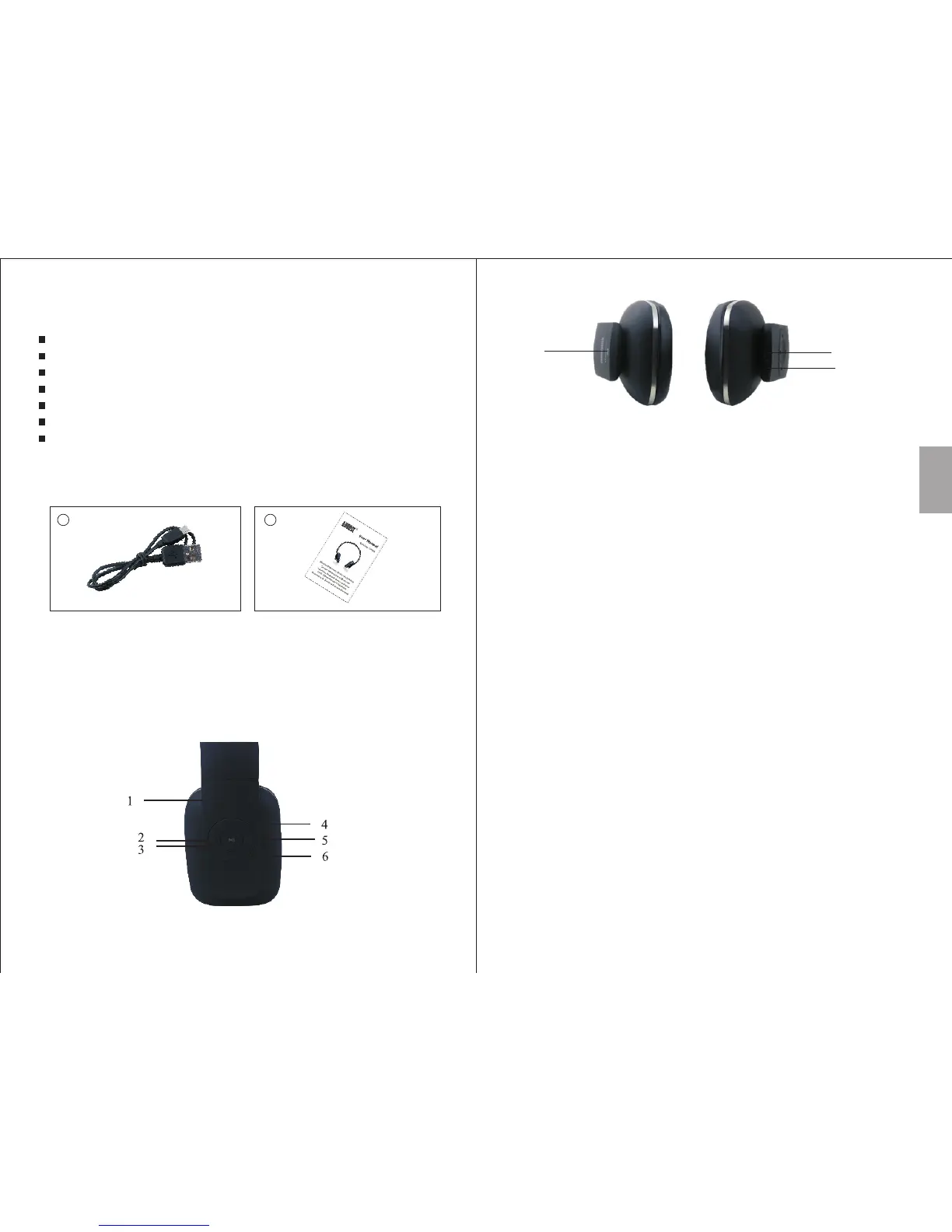
4. Part Names and Functions
-4-
-3-
3. Accessories
1 2
USB charging cable User manual
2. Main Features
Wireless Headphones for Bluetooth Devices
Micro USB Socket
Hands-Free Calls with Integrated Microphone
Built-in Rechargeable Battery
Adjustable Headband
Distance: up to 10m
Bluetooth Version: Bluetooth V4.0
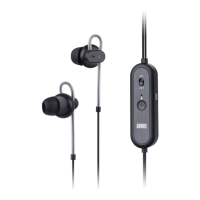
1. Status LED
2. Previous Track
3. MFB - Multi Function Button (Turn on/off, Enter pairing mode,
Play/Pause, Answer/End/Reject/Transfer call, Last number redial)
4. Volume Up
5. Next Track
6. Volume Down
7. Power Socket
8. Microphone
9. NFC
Press and hold the MFB button for 5 seconds when the device is
off to enter pairing mode. When the device enters pairing mode
the LED flashes red and blue quickly and a two tone beep is heard.
- For mobile phones
1. Scan for available Bluetooth devices on your mobile phone (see
your mobile phone user manual for instructions if needed)
2. Select “EP636” from the available devices and confirm connection.
5.2 Bluetooth Connections
English
8
7
9


 To Next Page